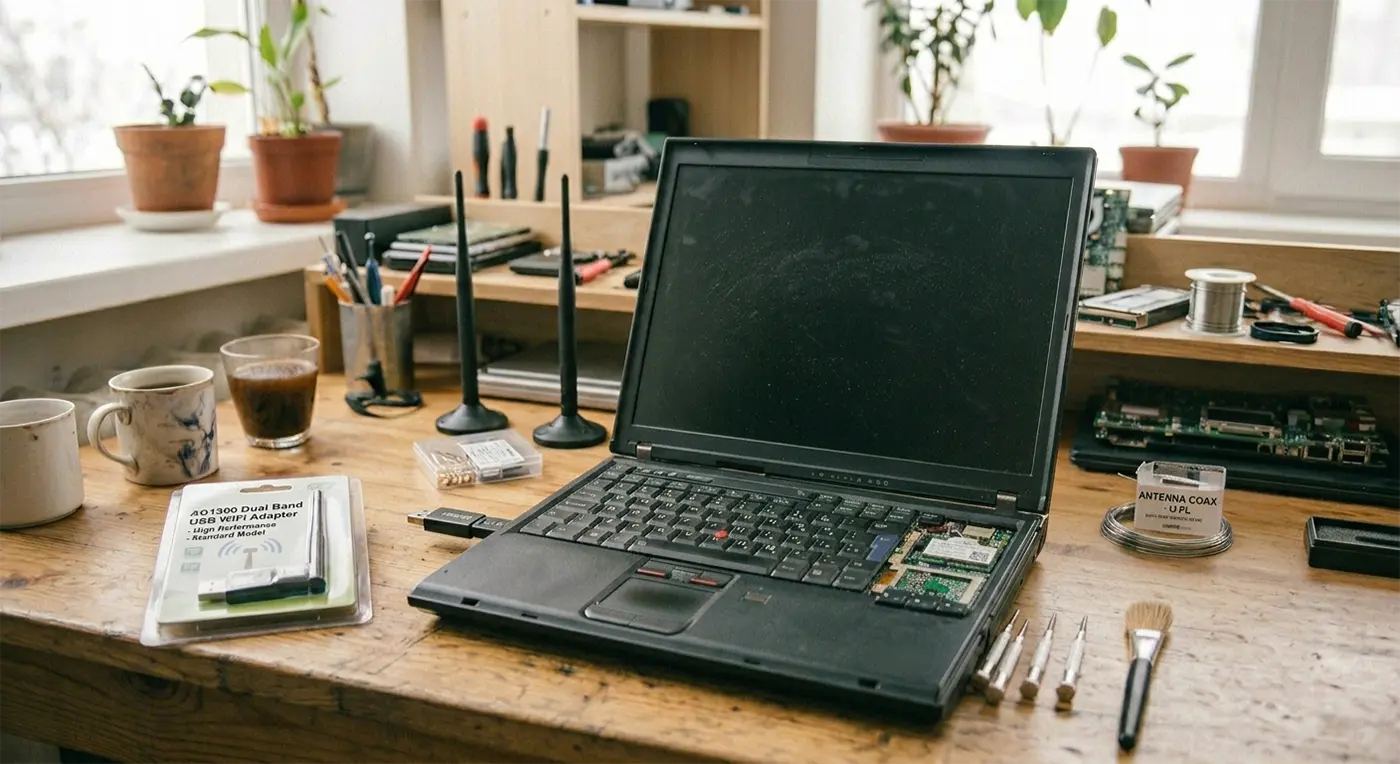
It was a fairly typical morning in the workshop when a customer brought in a laptop that had suddenly stopped behaving properly. Their main concern was that the laptop lost WiFi connection completely, and once we powered it up, we also found the keyboard and touchpad were unresponsive.
At first glance, it looks like a serious hardware failure. However, issues like this are becoming increasingly common on older laptops—and in many cases, the fix is far simpler than expected.
A quick driver reset, a couple of reboots, and everything was working again.
In this case, the issue appeared to be caused by a recent Windows update.
We’re seeing this more often, particularly on older laptops running Windows 11—especially machines that were upgraded using workarounds or registry tweaks rather than being officially supported.
These systems often run fine day to day, but major updates can expose driver compatibility issues.
Why Older Laptops Are More Affected
As Windows 11 develops, older hardware is gradually losing driver support.
When manufacturers stop updating drivers, Windows updates can cause instability or break functionality entirely. This can lead to problems such as:
WiFi not working or disappearing
Keyboard and touchpad not responding
Devices missing from the system
While this can look serious, it doesn’t usually mean the laptop is beyond repair.
Simple Fixes That Often Work
Before replacing a laptop, there are a few quick and cost-effective fixes worth trying.
Driver reset and reboot
In many cases, resetting the affected drivers and restarting the device restores full functionality.
Upgrade the WiFi card
If the internal WiFi adapter is no longer supported, replacing it with a newer compatible card can resolve ongoing connectivity issues.
USB WiFi adapter
A simple USB WiFi adapter can bypass internal hardware issues entirely and restore internet access instantly.
Keeping Older Laptops Running
Many older laptops still have plenty of life left in them. With the right repair or small upgrade, they can continue to handle everyday tasks like browsing, email, and office work without issue.
It’s often more cost-effective to repair or upgrade than to replace the entire machine.
Need Laptop Repair in Newtown or Mid Wales?
If all of a sudden your laptop has lost WiFi, stopped recognising the keyboard or touchpad, or started behaving strangely after a Windows update, don’t assume it’s beyond repair. We regularly help customers across Newtown, Powys and Mid Wales diagnose and fix these issues, often without the need for full replacement.
Sometimes the solution is straightforward, and even when parts are needed, there are usually affordable options available. If you’re unsure what’s gone wrong, get in touch or drop into our Frolic Street computer repair shop—we’ll take a look and advise on the most sensible way forward.
When providing IT support Newtown residents can rely on, we’ve learned that even simple tech jobs can take an unexpected turn.
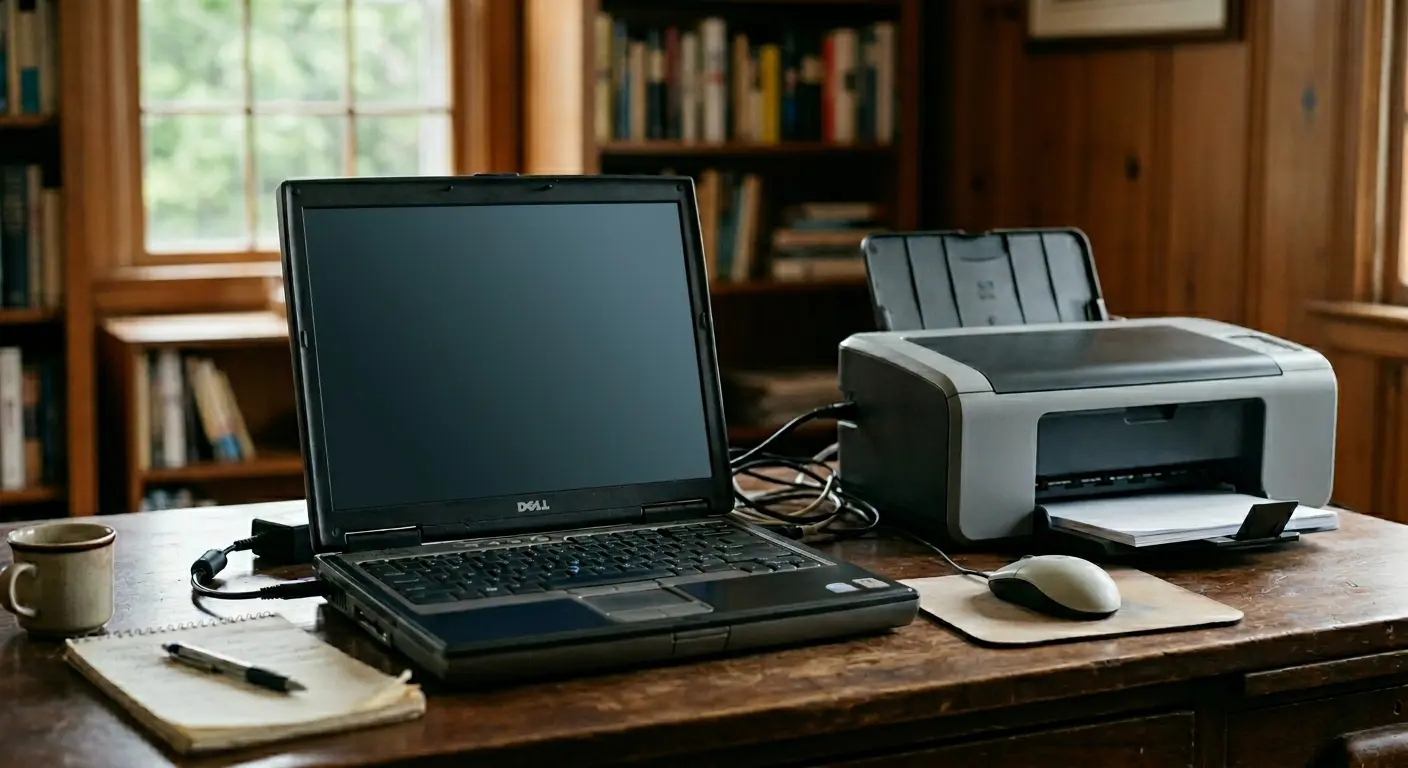
Recently, a client’s son was visiting from Australia. He wanted to help his dad set up a new printer on an ageing Dell laptop. It should have been a quick and straightforward task.
Unfortunately, the old machine had other ideas. During the installation process, it encountered a blue-screen error. When restarted, it requested an administrator password that hadn’t been used in years.
What began as a simple printer installation had suddenly become a much bigger challenge.
Securing the Data and Finding a Better Solution
Our first priority was protecting what mattered most. This included years of personal files and a much-loved collection of country music.
Rather than spending time and money trying to repair an outdated system, we recommended a more practical solution. The laptop was already showing its age, so a replacement made more sense.
Data Recovery
We carefully removed the hard drive from the old Dell laptop. Every file was recovered successfully. No documents, photographs or music tracks were lost.
The New Setup
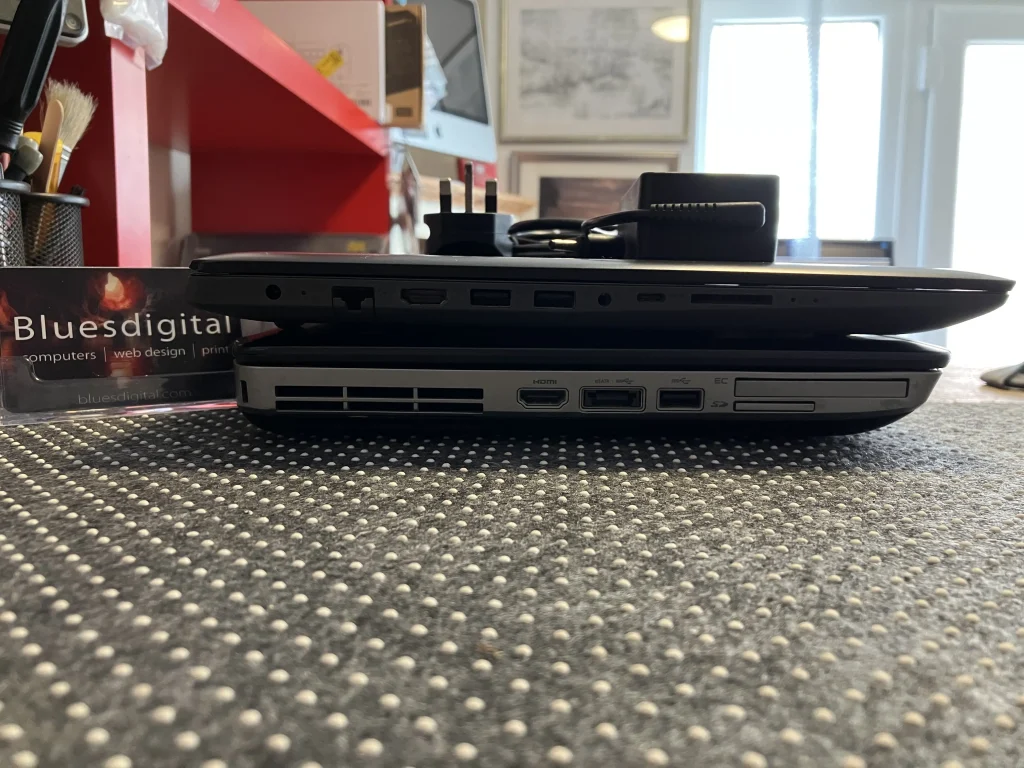
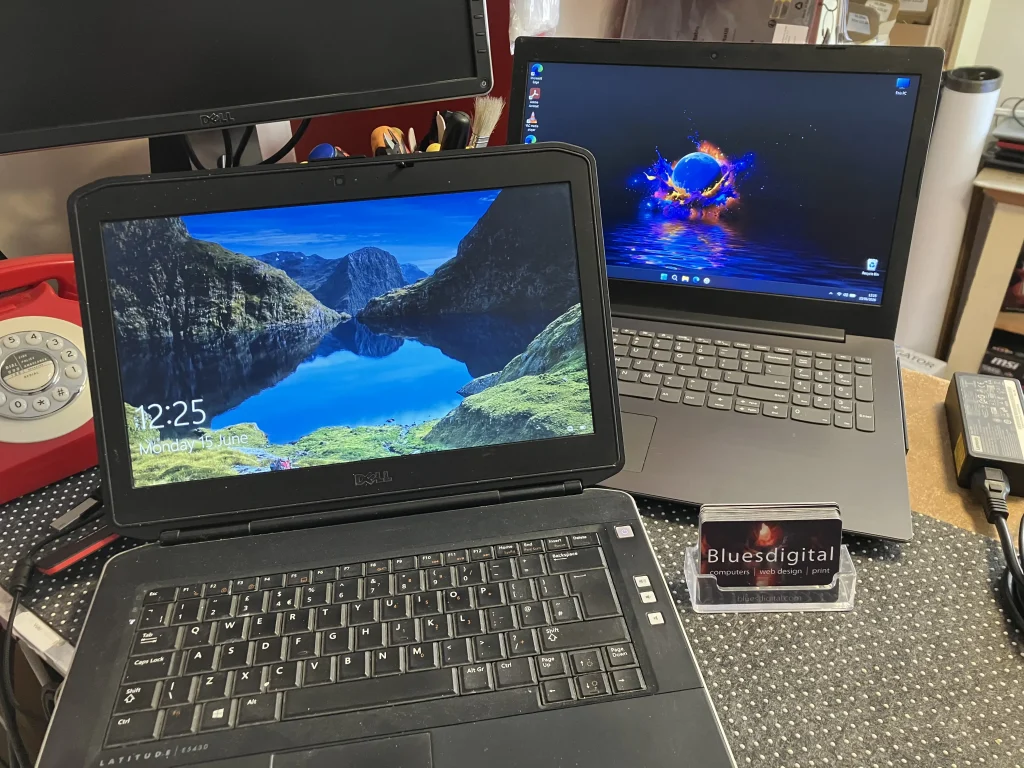
Everything was transferred to a high-quality refurbished Lenovo laptop. It was ready to use straight away.
The Benefits
The refurbished laptop offered a larger and clearer display. A fast SSD meant quicker start-ups and better everyday performance. The improved speakers also made that treasured country music collection sound even better.
A Great Outcome
Everything was recovered successfully. Dad now has a faster and more reliable computer. His music sounds better than ever. His son was able to enjoy the rest of his visit knowing everything had been sorted. It was a great result for everyone involved.
Reliable IT Support in Newtown
If your computer is starting to struggle, you don’t have to deal with it alone. The same applies if you’ve forgotten old login details or a routine upgrade has become more complicated than expected.
Bluesdigital provides friendly and straightforward IT support that Newtown residents and businesses can depend on. Whether you need data recovery, help setting up a replacement device, or support with an unexpected technical issue, we’re here to help.
If you’d like advice or assistance with your computer, get in touch 🙂
Most small businesses don’t think about their tech until something starts to feel… off.
A website that loads a bit slower than it used to. A printer that suddenly becomes a daily frustration. A computer that takes just a bit too long to “wake up” in the morning.
None of it usually breaks everything at once — it just quietly gets in the way of getting things done.
And that’s often the point where we get called in.
At Bluesdigital, we tend to sit somewhere between three common areas:
And surprisingly often, those three things are connected.
A slow computer can make website updates harder. An outdated website can make printing and branding feel inconsistent. And small technical issues tend to stack up until they feel bigger than they are.
The good news is, most of it is fixable without overcomplicating things.
Usually it comes down to:
a bit of maintenance
a bit of structure
and making sure everything is actually working together properly
Nothing dramatic. Just steady, sensible fixes.
If your setup feels like it’s starting to slow you down, it’s usually worth getting it checked before it turns into a bigger problem.
We’re always happy to take a look and point you in the right direction — whether it’s computers, websites, printing, or just figuring out what’s actually going on. Let’s get your business tech working for you.
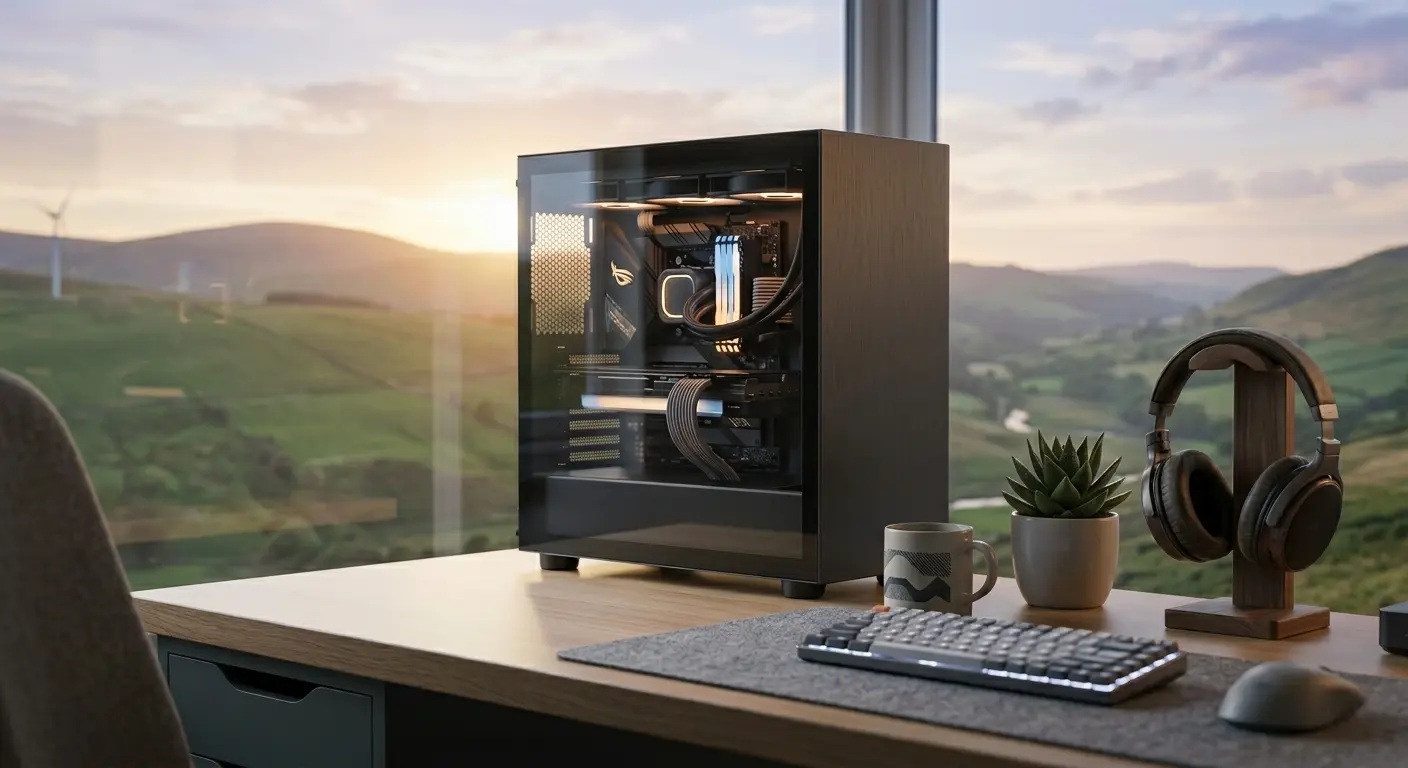
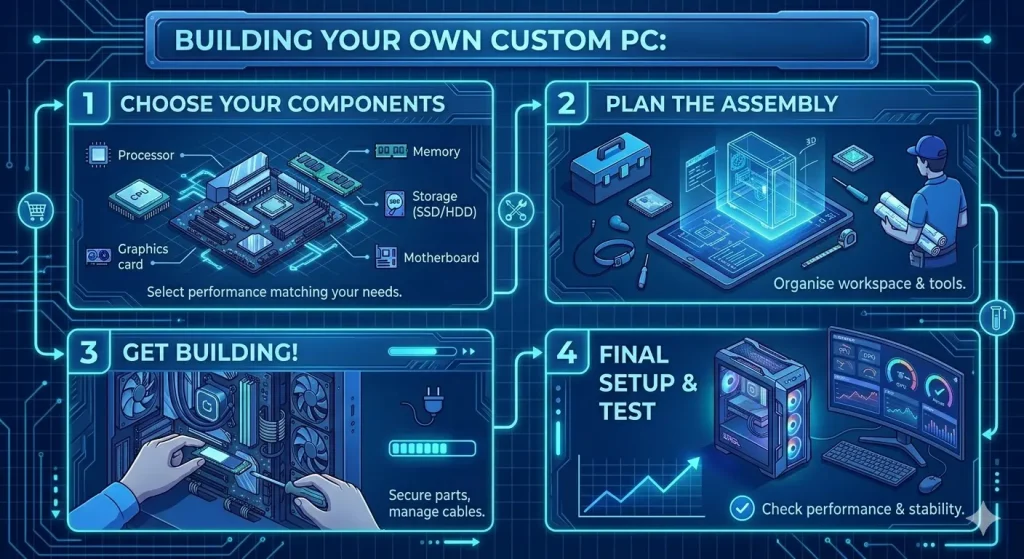
If you’ve been thinking about upgrading your setup, there’s never been a better time to invest in a custom built PC. Whether you’re looking for a gaming powerhouse, a reliable business workstation, a creative editing machine, or a family computer tailored to everyday use, a custom build gives you greater flexibility, better value, and performance designed around your needs.
Modern processors, ultra-fast SSD storage and the latest graphics technology have made today’s computers more powerful than ever. Rather than paying for features you don’t need—or compromising on the parts that matter most—a custom built PC allows every pound of your budget to work harder.
At Bluesdigital, we build custom PCs right here in Newtown, Powys. Inspired by Mid Wales legends, our flagship systems include Twrch Trwyth (The Wild Boar), a ferocious high-performance machine built for speed and gaming, and Ych Brych (The Brindled Ox), a dependable workstation designed for reliability, productivity and long-term durability.
But while we’re proud of our flagship systems, our favourite builds are often the ones that start with a completely blank sheet of paper.
Beyond the Flagships: We Love a Blank Canvas
Nothing gets us more excited than sitting down with someone who has a specific idea in mind.
Perhaps you need a workstation for specialist software. Maybe you’re building a gaming setup you’ve dreamed about for years. Perhaps your household needs one machine capable of handling homework, photo editing, streaming and gaming without missing a beat.
Whatever your requirements, we enjoy designing a system around how you actually use your computer rather than forcing you into a one-size-fits-all solution.
Already Started Your Own Build? We’re Happy to Help
If you’ve already started building your own PC, that’s brilliant too.
Maybe you’ve picked out some components online and would like a second opinion. Perhaps you’re not sure if everything is compatible, wondering whether your power supply is up to the job, or trying to work out why a new graphics card isn’t behaving quite as expected.
Bring it in.
We’re always happy to offer practical advice, compatibility checks, upgrade suggestions and troubleshooting tips. Sometimes a ten-minute conversation can save hours of frustration—and even if you’re building it yourself, we’re genuinely pleased to help point you in the right direction.
After all, we’re computer enthusiasts too.
No Pressure: Let’s Just Get the Conversation Started
You don’t need to make a final decision before getting in touch. We’re happy to chat through the options and see where the conversation leads.
Sometimes a brand-new custom-built PC is the right answer.
Maybe a quality refurbished machine offers better value.
It could be your existing computer simply needs a little extra memory, a fast SSD, or a thoughtful upgrade to breathe new life into it.
Starting the conversation costs absolutely nothing, and we’ll always recommend the option that makes the most sense for your needs and budget—even if that means not buying a new PC.
Looking for a Custom Built PC in Newtown?
We regularly help customers across Newtown, Welshpool, Llanidloes, Machynlleth, Aberystwyth and throughout Mid Wales.
Whether you need a gaming PC, office workstation, creative editing machine or reliable family desktop, we’ll help you build a computer that delivers the right balance of performance, reliability and value.
When you choose a local builder, you’re not just buying a computer—you’re getting advice, support and expertise from people you’ll actually be able to speak to again in the future.
The Advantages of Going Local in Mid Wales
Component Quality You Can Trust
We spend our days repairing and servicing computers, which means we’ve seen where manufacturers cut corners. By carefully selecting every component, we can build systems designed for longevity, reliability and future upgrades.
From quality power supplies and dependable motherboards to sensible cooling and tidy cable management, we build machines we’d happily use ourselves.
Friendly, Straightforward Advice
No confusing jargon. No hard sell.
Simply tell us what you want your computer to do and roughly what you’d like to spend, and we’ll recommend the best options for your budget.
Real Local Support
If you ever need advice, upgrades, maintenance or repairs in the future, you can simply pop back into the shop and speak to someone face-to-face.
No call centres. No lengthy support tickets. No boxing up your computer and hoping the courier is having a good day.
Our goal is simple: to build a machine you keep because you love it, not one you replace because it failed.
Custom PC Building: Your Questions Answered
Thinking about taking the plunge but not sure where to start? Here are some of the most common questions we hear over the counter.
Is it cheaper to build a PC or buy a prebuilt one?
In many cases, a custom built PC offers better value because you’re paying for quality components throughout the system rather than a headline specification with compromises elsewhere.
Big-brand systems often save money on power supplies, cooling, motherboards or memory. A custom build allows every part of your budget to go towards performance and reliability.
Can I bring you a list of parts I found online?
Absolutely.
In fact, we love it.
If you’ve been experimenting with PCPartPicker or researching components online, bring your list along. We’ll happily check compatibility, ensure everything works together properly and suggest improvements where appropriate.
How do I know what specification I need?
That’s exactly what we’re here for.
Simply tell us what you use your computer for and your approximate budget.
Gaming: We’ll prioritise graphics performance and processing power.
Business and creative work: We’ll focus on memory, storage speed and multitasking capability.
Everyday family use: We’ll balance reliability, performance and value.
What happens if something goes wrong?
Because we build and support the systems ourselves, you can bring the machine back to us for diagnosis, warranty assistance and advice.
We’ll help identify the issue and guide you through the next steps without the usual runaround.
Can I upgrade the PC later?
Yes.
Our systems use standard components designed with future upgrades in mind. Whether you want a larger SSD, more memory or a new graphics card in a few years’ time, upgrading is straightforward.
What if I’m working with a limited budget?
That’s not a problem.
A new custom build isn’t always the right answer. We can discuss quality refurbished systems, upgrades to existing machines or specifications designed around your budget.
The important thing is finding the right solution for you.
Ready to Start Your Build?
Whether you’re planning your dream gaming PC, replacing an ageing business computer, upgrading your current machine, or simply wondering whether a custom build is the right route, we’d be delighted to help.
Bring your ideas, wish list, parts list or existing machine into our workshop on Frolic Street in Newtown, give us a call on 01686 610106, or send us a message to start the conversation.
No pressure. No obligation. Just friendly advice from your local computer enthusiast who loves helping people get the most from their technology.
When you look at an image on a web page, you instantly understand what it shows. Search engines and screen readers do not work that way. They rely on alt text (alternative text) to understand the content of your images.
If your approach to website design in Newtown does not include a proper image SEO strategy, you could be missing valuable local search visibility and making your site harder to use for some visitors.
Right now, we are busy auditing and updating the Bluesdigital website to make sure our own image SEO is fully up to scratch. It is one of those important jobs many businesses overlook, but getting it right can make a real difference to both accessibility and search rankings.
Why Alt Text Matters for Website Design in Newtown
Alt text was originally created for accessibility, not SEO.
Back in the 1990s, it became part of the HTML standard to help make the web more inclusive. People using screen readers rely on alt text to understand what images are showing. Without it, a screen reader might only read out a file name such as “IMG_4921.jpg”, which is not exactly helpful.
Good alt text helps ensure everyone can properly use and enjoy your website, regardless of how they access it.
For local businesses investing in website design in Newtown, accessibility is not just a nice extra anymore — it is part of creating a professional, trustworthy website experience.
How Google and Bing Use Alt Text
Search engines quickly realised that the same descriptions helping visually impaired users could also help search engines understand images.
Google and Bing cannot truly “see” a picture the same way people do, so alt text gives them vital context about your content.
Better Search Context
Search engines use alt text alongside page content and AI image recognition to understand what a page is about. This can help your website appear in both standard search results and image searches.
Bing Visual Search
Bing places strong emphasis on descriptive image information for visual search. Well-written alt text can improve visibility across Bing’s image ecosystem too.
A Better User Experience
If an image fails to load because of a poor internet connection, the browser displays the alt text instead. Your visitors still understand the purpose of the missing image.
A Common WordPress Alt Text Problem
Most local businesses use WordPress, and thankfully adding alt text is fairly simple. However, there is one frustrating quirk that catches a lot of website owners out.
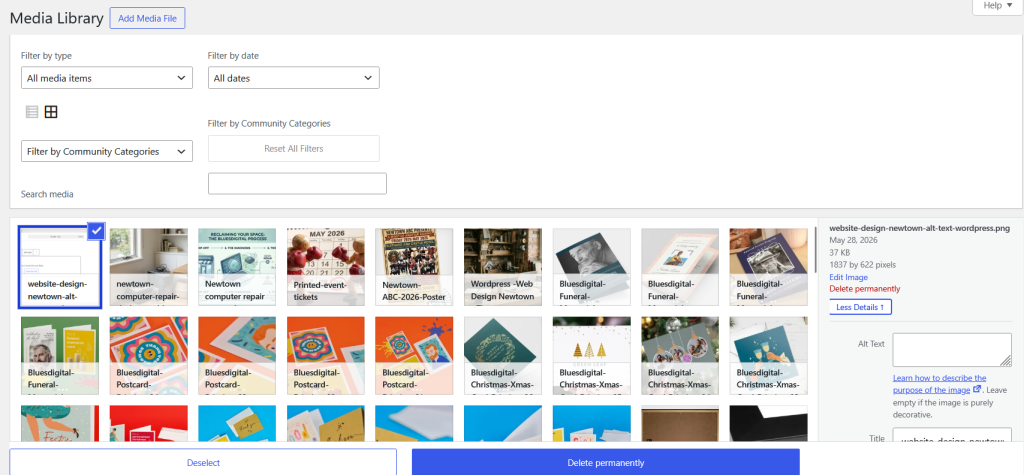
The Media Library Does Not Always Sync Properly
If you update alt text after an image has already been inserted into a page, WordPress does not always update it everywhere automatically.
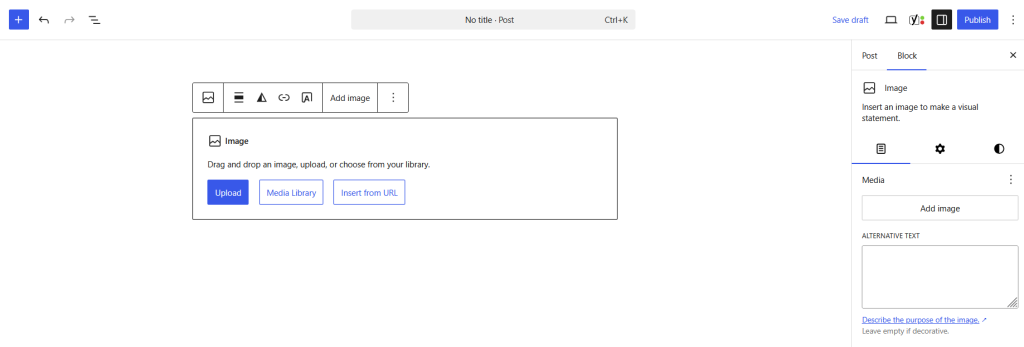
Editing in the Media Library: Updating alt text in the Media Library may not retroactively update images already placed on live pages.
Editing in the Block Editor: Updating alt text directly inside a page block only changes that specific image instance and may not update the Media Library version.
The Best Fix
After making alt text changes, always double-check the live page itself to make sure the update has actually taken effect.
For new uploads, it is usually best to write your alt text in the Media Library before inserting the image into your content.
Frequently Asked Questions
Do decorative images need alt text?
No. If an image is purely decorative, leave the alt text blank so screen readers skip over it cleanly.
How long should alt text be?
Try to keep it under 125 characters. Most screen readers stop reading after this point, so concise descriptions work best.
Is alt text the same as an image title?
No. Alt text is used for accessibility and SEO. Image titles are mainly hover tooltips and are far less important.
Helpful Resources for Image SEO
If you want to learn more about image optimisation and accessibility, these guides are well worth a read:
If you are currently battling your way through a Media Library cleanup, you are definitely not alone. Sorting image SEO can be surprisingly time-consuming once a website has been running for a few years.
If you would like help improving your images, accessibility, or overall website design in Newtown, we are always happy to help.
Drop us a message for a friendly, no-obligation chat, and we will happily point you in the right direction or pop in to see us at Frolic House (between the medical practice and Driving Test Centre)
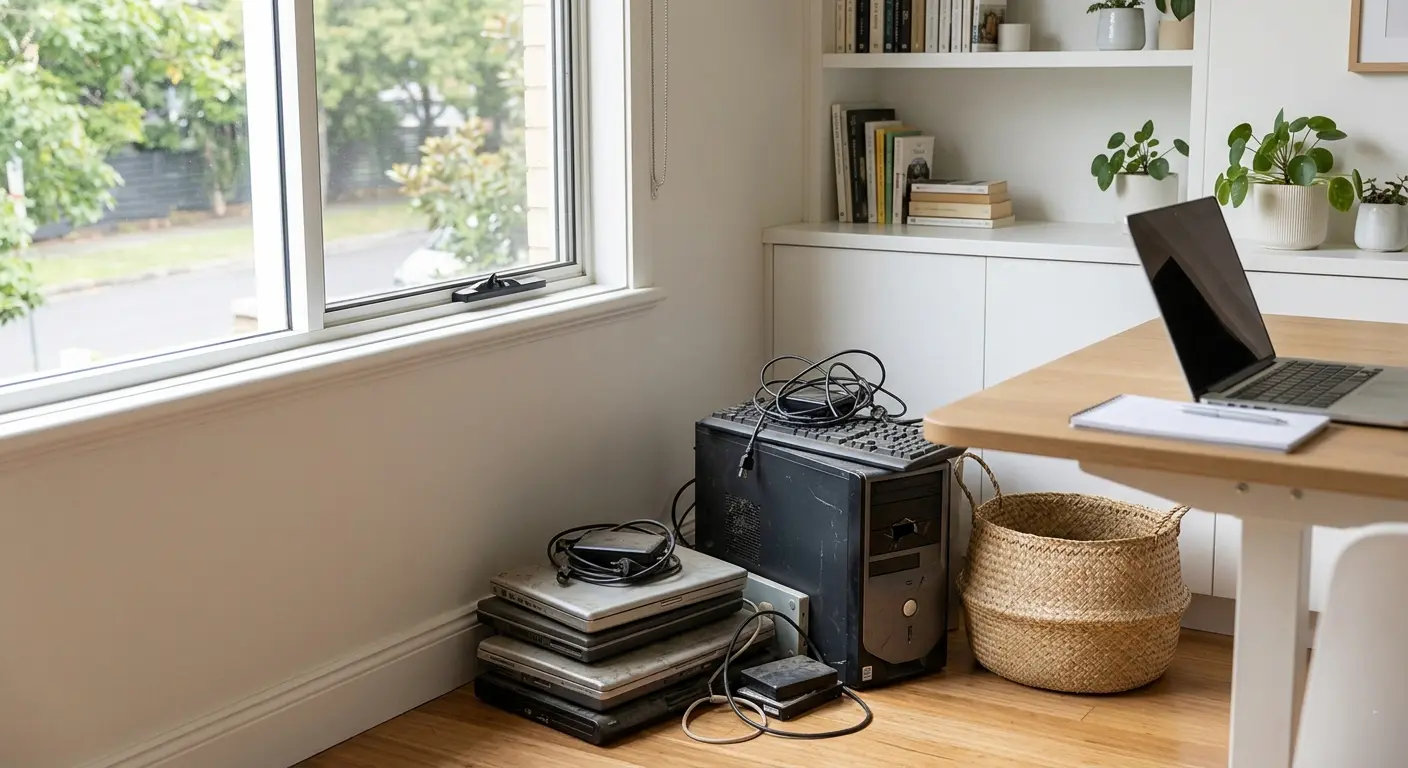
We’ve all got that one cupboard, drawer, or corner of the office where old technology goes to retire.
You know the one.
An old laptop that takes longer to boot than the kettle takes to boil. A desktop PC that started making a strange grinding noise sometime during lockdown. A mysterious collection of chargers that apparently belong to something… nobody quite remembers what.
Most people mean to sort it all out eventually. But the pile just quietly grows.
Usually because you’re stuck wondering:
Is this thing worth fixing?
Is it completely dead?
Is my data still on there?
Can I recycle it safely?
Am I about to spend money on a lost cause?
At Bluesdigital, this is honestly one of the most common conversations we have over the counter.
And most of the time, people just want a straight answer.
That’s why we keep things simple with honest advice, no pressure, and a proper Newtown computer repair or recycle check.
The Good News? Old Computers Are Often More Fixable Than People Think
A surprising number of “dead” laptops aren’t actually dead at all.
Sometimes they’re just:
Clogged up with dust
Running an ageing hard drive
Struggling with an old battery
Crying out for a little extra memory
Overheating because the fan sounds like a small helicopter
We regularly see laptops people were ready to throw away suddenly feel fast and usable again after a sensible upgrade.
And sometimes?
We’ll tell you it really isn’t worth repairing.
Because honestly, not every machine should be saved — and we’d rather give you honest Newtown computer repair advice than talk you into spending money unnecessarily.
That’s also why we stick to a strict No Fix, No Fee policy.
No awkward surprises. No “while we were in there…” mystery costs. Just a straightforward assessment from local people who spend far too much time talking to computers.
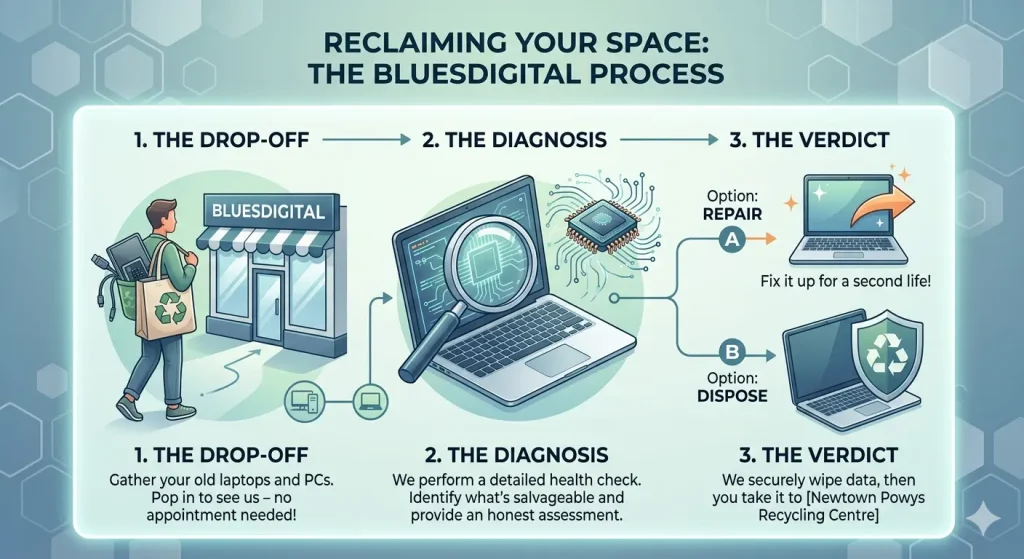
Reclaim Your Space in 3 Easy Steps
1. Gather Up the Tech Graveyard
Round up the old laptops, desktop PCs, forgotten tablets, and the spaghetti pile of charging cables.
Bring them into the shop — no appointment needed.
Honestly, we’ve seen far worse.
2. We’ll Have a Proper Look
We’ll check:
What’s actually wrong
Whether the machine is worth repairing
If your files can still be recovered
Whether a simple upgrade could give it a few more years of life
Sometimes the verdict is:
“Yep, easy fix.”
Sometimes it’s:
“This computer fought bravely and deserves a peaceful retirement.”
Either way, you’ll get a clear answer.
3. Decide What You Want To Do
If the repair makes sense, brilliant — we’ll get started.
If it’s reached the end of the road, we can help safely prepare it for recycling by securely wiping or removing the hard drive first.
Which brings us to the bit most people are really worried about…
“Hang On… What About My Photos and Passwords?”
Very sensible question.
Old hard drives can contain years of:
Family photos
Saved passwords
Bank details
Emails
Tax documents
Random desktop screenshots nobody remembers taking
Simply deleting files often isn’t enough.
Before any computer is recycled, we can securely wipe the drive or physically remove it, helping make sure your personal data stays personal.
And if there are important files you still need, we can usually transfer them onto:
A USB stick
An external drive
Your replacement computer
So you keep the memories without keeping the dusty old tower unit under the stairs.
One Important Thing to Know
While we’re happy to help with secure data wiping and prep, we work with local recyclers who can reuse physical hardware.
Once everything’s safely sorted, you can also pop it down to Newtown Powys Recycling Centre. , safe in the knowledge that your data is secure.
A lot better than leaving it in the cupboard until 2034.
Quick FAQs
Can old laptops still be repaired?
Very often, yes. Many slow laptops simply need an SSD upgrade, more memory, or a fresh battery.
Is it worth repairing an old PC?
Sometimes absolutely. Sometimes not at all. We’ll always give honest advice based on the machine’s age, condition, and repair cost.
Is deleting files enough before recycling a computer?
Usually no. Files can often still be recovered unless the drive has been securely wiped.
Do you recycle computers?
We help safely prepare devices for recycling, including secure data wiping, and work with local recyclers who can reuse physical hardware. Or you can pop it down to Newtown Powys Recycling Centre, safe in the knowledge that your data is secure.
Ready to Clear Some Space?
Whether your old tech gets a second lease of life or a respectful, data-safe send-off, you’ll still end up with:
Less clutter
Less stress
More desk space
And probably fewer mystery cables
So if you’ve got an old laptop or PC gathering dust, bring it into Bluesdigital for a friendly Newtown computer repair or recycle check-up.
You might be surprised what’s still worth saving, and if not, what will you do with all the extra space?
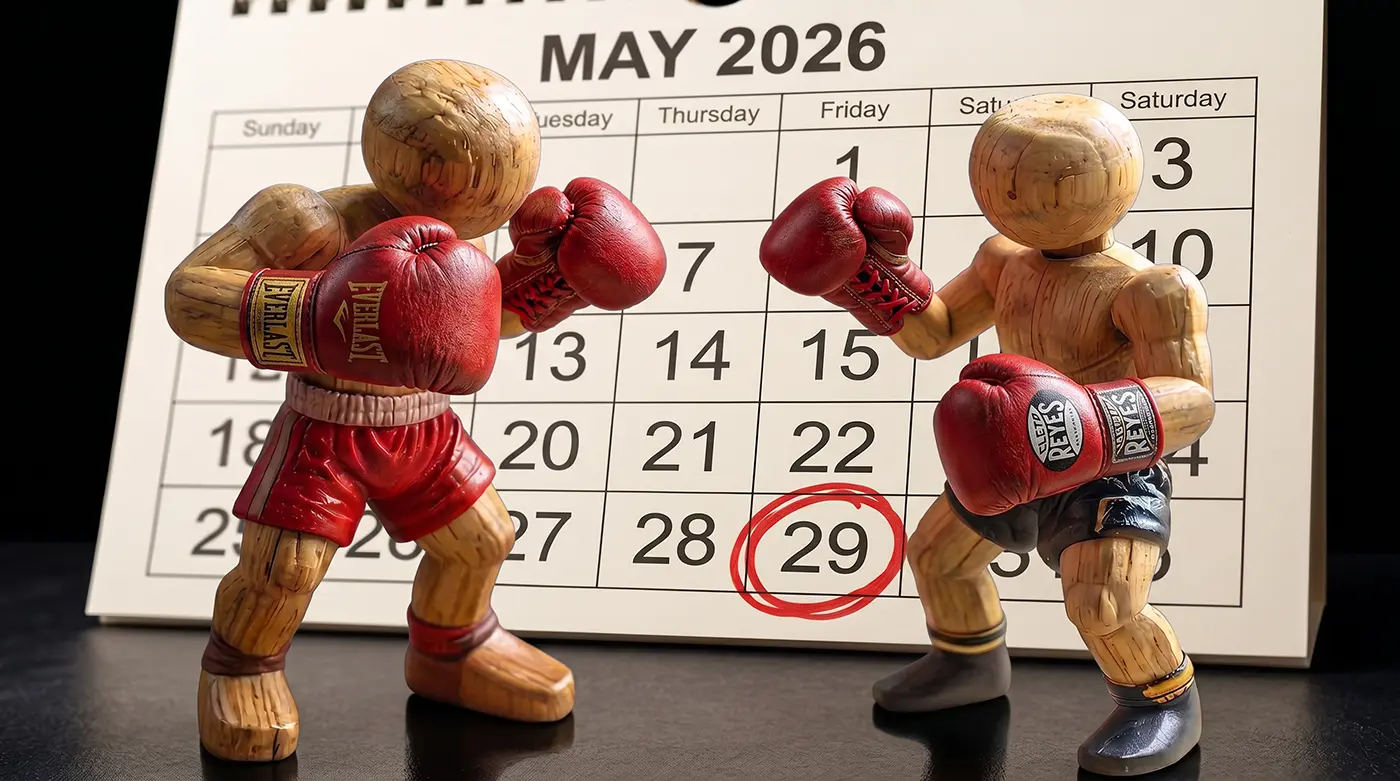
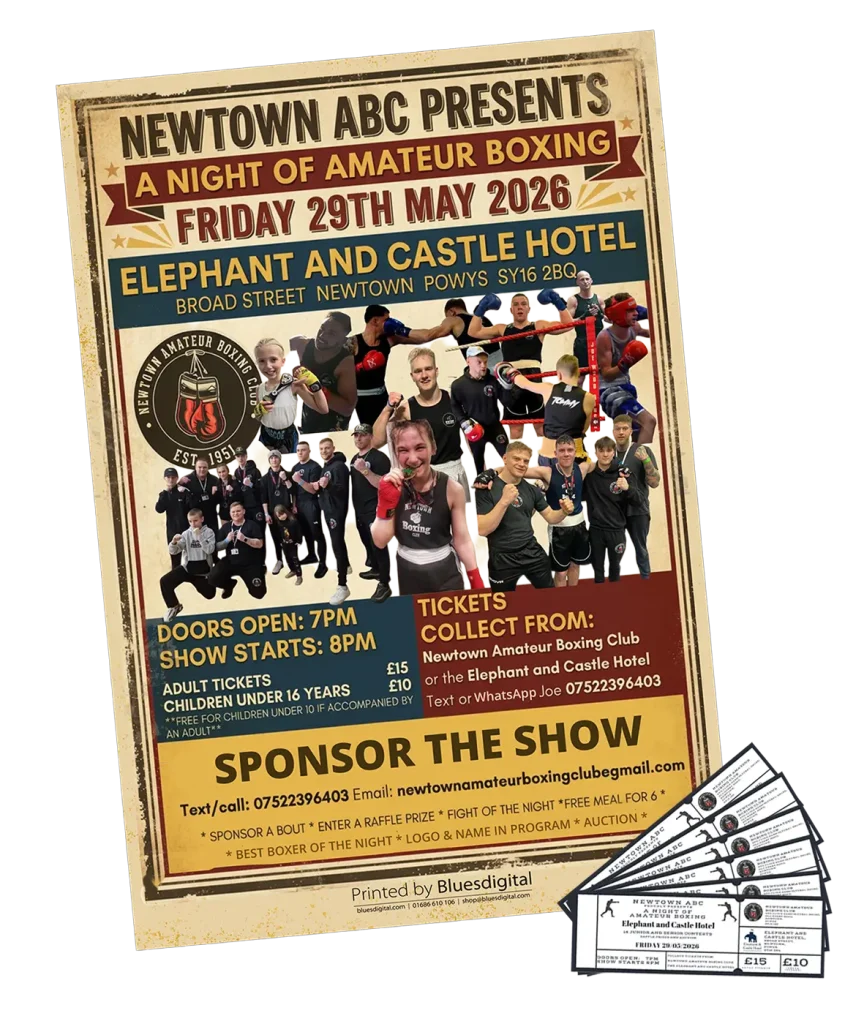
If you’re looking for plans on Friday, 29 May, there is only one place to be. Our local legends at Newtown Amateur Boxing Club are taking over the Elephant & Castle for their annual showcase, and it’s set to be a massive night for the community.
Supporting local talent with Newtown printing
As a trusted provider of Newtown printing services, Bluesdigital is always buzzing to help local clubs get the word out. Newtown ABC does a fantastic job providing a space for local talent to train, stay disciplined, and build confidence, and these annual shows are always a highlight of the local calendar.
We’ve been busy in the shop getting their event kit ring-ready:
Event Posters: Keep an eye out for these around town—they’ve got all the details you need for the night.
Match Tickets: Put them somewhere safe, crisp, professional tickets, ready for a packed house at the hotel.
Proud to be cheering on from the corner
We love seeing local clubs thrive. There’s nothing quite like the atmosphere of a boxing show in a local venue—the energy is high, the crowd is loud, and the talent on display is top-tier.
It’s a privilege to be trusted for printing in Newtown by organisations that do so much for the community; after all, when a club works this hard in the gym, they deserve an event that looks every bit as professional as their footwork.
Organising a local showcase? Here are a few quick answers to common questions about getting your Newtown printing sorted.
Where can I get event tickets printed in Newtown?
Bluesdigital specialises in high-quality, professional event tickets. For the Newtown ABC show, we provided numbered, durable tickets that help make gate management at the Elephant & Castle nice and straightforward.
What is the best size for local event posters?
For most Newtown shop windows, cafés, and pub noticeboards, A3 is usually the sweet spot. It’s large enough to catch attention while still being easy for local businesses to display.
Can you handle quick-turnaround printing in Newtown?
Yes! We know event details can change at the last minute. Because we handle our Newtown printing locally, we can often turn around posters and tickets much faster than large online-only companies. If you’re in a rush, give us a shout.
Morning, Newtown! As a web designer in Newtown, I chat with local business owners and communities all the time who are taking on their own websites. And fair play—WordPress is a brilliant platform. But without a bit of guidance, it can feel like wandering around without a map.
If you’re currently sat at your kitchen table with three empty mugs of coffee, staring at a WordPress dashboard and wondering why that “simple” button won’t go where you want it to—take a breath. You’re not alone.
So, to help keep your sanity (and your caffeine levels) intact, here are a few tips to make your DIY WordPress journey a whole lot smoother.
1. Don’t hoard plugins 📦
Think of plugins like apps on your phone. They’re great—but too many and things start to slow down. Only keep what you actually need. If you’re not using it, lose it. Your site will be quicker, cleaner, and more secure.
2. Think mobile first 📱
Give your site a proper check on your phone (go on, I’ll wait). Most people will find you while scrolling. If text is tiny or buttons are fiddly, they’ll bounce. Always preview and tweak the mobile version as you go.
3. Image size matters 📸
One of the biggest culprits for slow websites? Oversized images straight from a camera or phone. They’ll drag your load times right down.
We useAdobe tools to prep images so they stay sharp without slowing things down. Even basic compression makes a big difference—and your visitors (and Google) will notice.
4. Keep everything updated 🔄
That little red notification badge isn’t just decoration. Updates keep your site secure and running smoothly. Just make sure you’ve got a backup in place before clicking update—better safe than sorry.
5. Keep it local 📍
If you’re trying to reach customers nearby, make it obvious where you are. Mention “Newtown” and “Powys” naturally across your site—especially on your contact page. It helps search engines connect you with the right people.
If you want to dig a bit deeper into how this works, Google Search Central has some solid, no-nonsense guidance on improving your local visibility.
Feeling a bit stuck? 🛠️
Building a website is a bit like redoing your kitchen.
Maybe you’re more than happy choosing colours, painting walls, and putting things together yourself—and that’s half the fun.
But when it comes to something like installing the gas cooker… that’s usually when you call someone in.
Web design’s no different. If you’ve hit that stage where things are getting a bit technical or frustrating, you don’t have to wrestle with it alone. Whether you need a full build or a little help finishing things off, we’re here to lend a hand.
Pop in or drop me a message—always happy to help out where we can 👍
Web Designer Newtown – FAQs
If you’re still weighing things up, here are a few common questions people ask when they’re building or improving their website.
How much does a website cost in Newtown?
It depends on what you need. A simple brochure-style site is very different from something more bespoke. We’re always happy to have a quick chat and give you a clear idea—no jargon, no pressure.
Can I build my own WordPress website?
Absolutely—and plenty of people do. WordPress is a great platform. The challenge is usually getting everything working together smoothly (design, speed, mobile, security). If you enjoy it, great. If not, that’s where we can step in.
Do I need a local web designer in Newtown?
You don’t have to, but it helps. Working with a web designer in Newtown means easier conversations, local understanding, and someone who gets your market.
Will my website work on mobile phones?
It should—and it needs to. Most visitors will find you on mobile first, so every site should be designed and tested for it.
Can you help fix or improve my existing website?
Yes. Often a site just needs a tidy-up, performance improvements, or design tweaks rather than a full rebuild. We can take a look and advise.
Do you offer ongoing support after launch?
We do. Whether it’s updates, small changes, or advice, we’re here if you need us—no complicated contracts.
How long does a website take to build?
Usually a few weeks for a small business site, depending on content and complexity. We’ll always be upfront about timelines.
How do I get started?
Just get in touch. We’ll have a quick, friendly chat about what you need and point you in the right direction 👍
Printing Newtown for Local Events, Clubs & Community
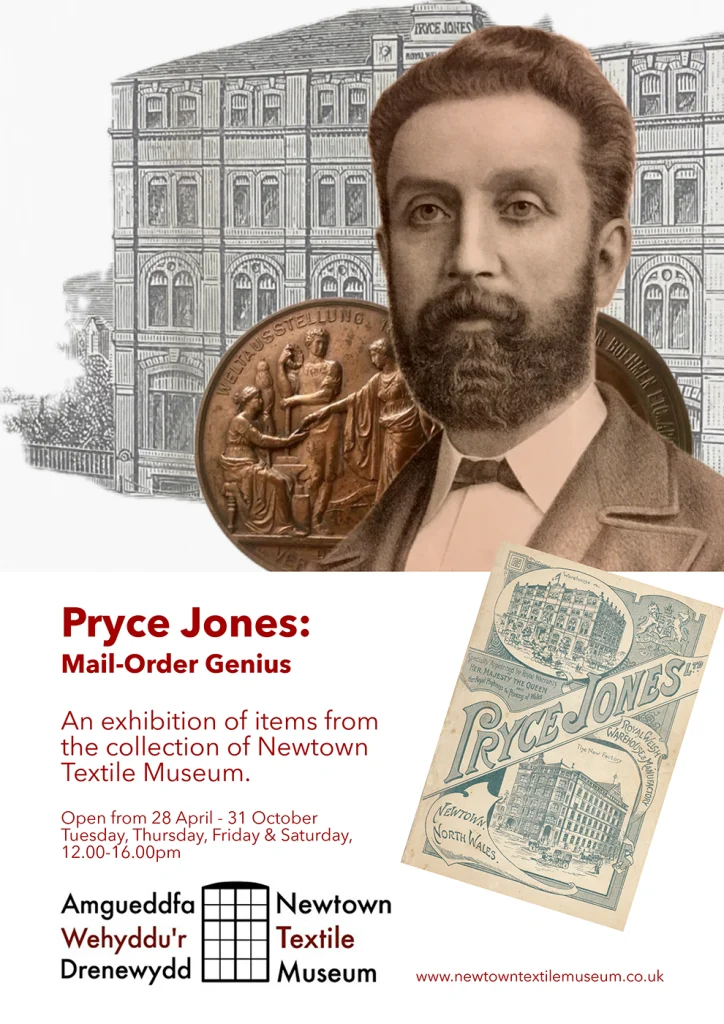
It’s been a busy week in the print room at Bluesdigital, with a great mix of posters and flyers heading out to support local events and organisations across Newtown. We always love seeing what’s going on locally—and even more so when we get to help promote it.
Short on time? Got something coming up in Newtown? From small flyer runs to eye-catching posters, we’re always happy to help—just get in touch 👍
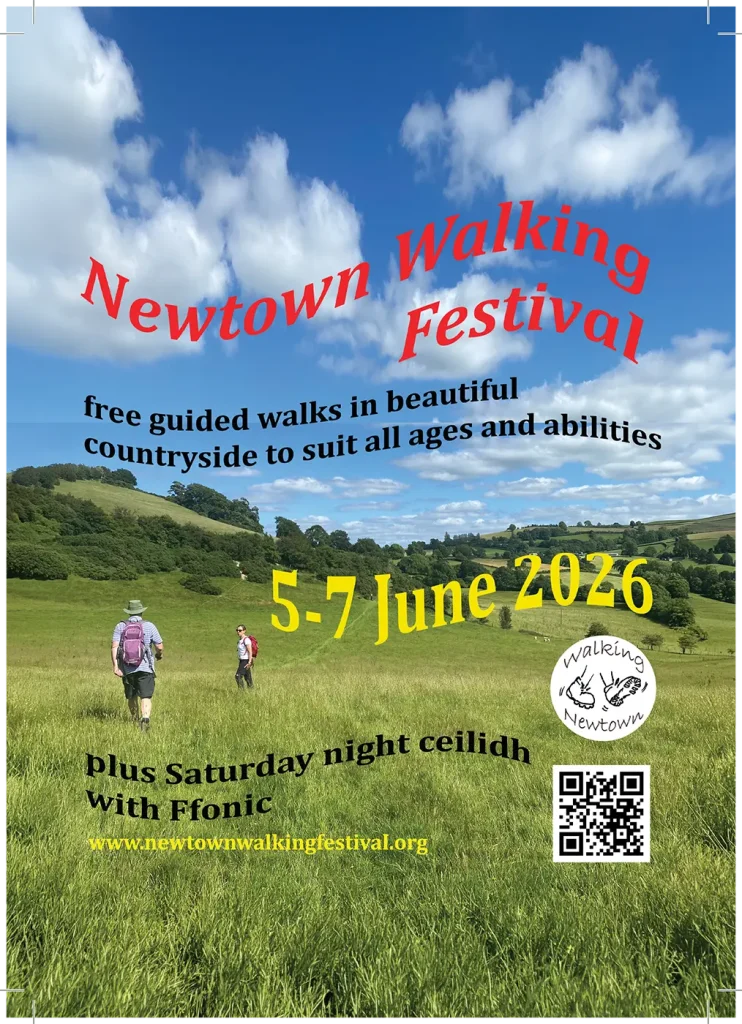
🚶 Newtown Walking Festival – A5 Flyers
Calling all walkers—it’s nearly time for the Newtown Walking Festival again!
With a fantastic range of free guided walks suitable for all ages and abilities, it’s a brilliant way to explore the beautiful countryside around Newtown. Whether you’re after a gentle stroll or something a bit more adventurous, there’s something for everyone.
This year also includes a visit from Newtown’s French twinning partners, adding a lovely international feel to the event.
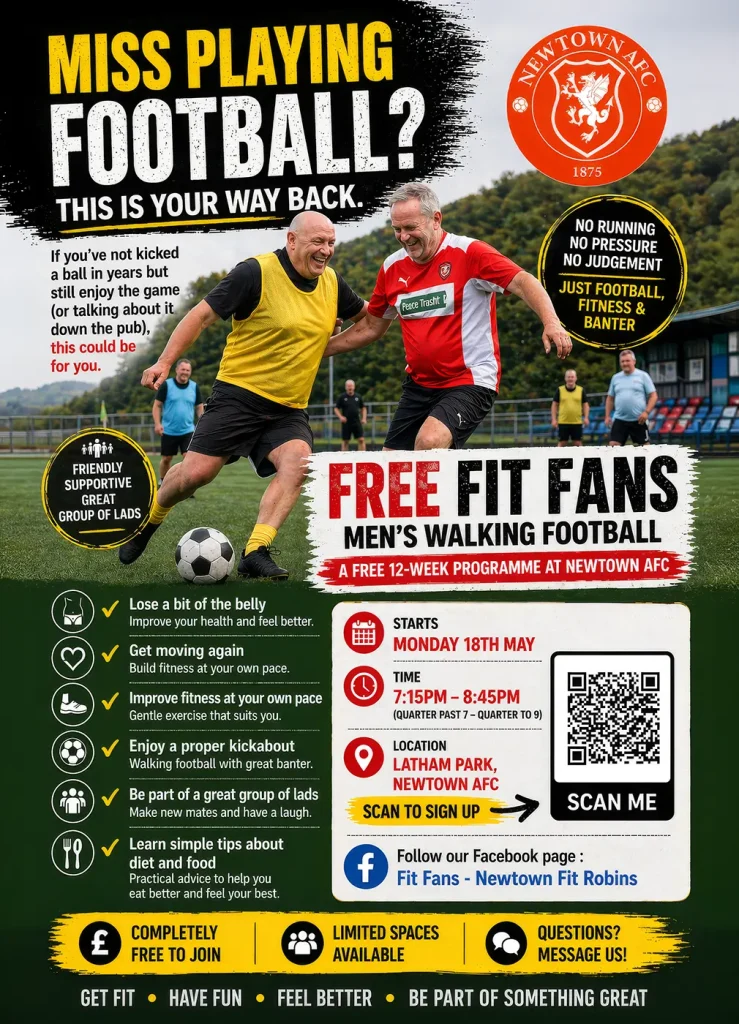
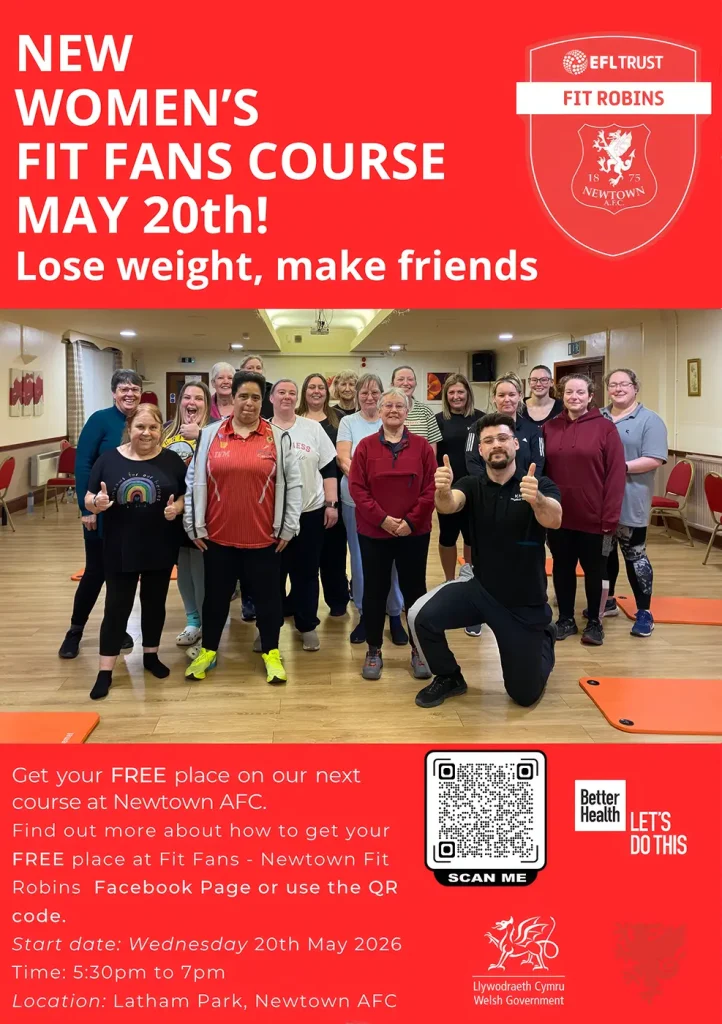
⚽ Newtown AFC – Fit Robins / Fit Fans – A3 & A4 Posters
After the success of the last programme, Fit Fans is back!
Run in partnership with Newtown AFC, this free and friendly course is a great way to get active, meet new people, and improve wellbeing—no matter your starting point.
Planning a local event? Pop in and see us on Frolic Street to feel our paper samples in person.
💡 Printing Tips for Local Events
A few quick things we’re often asked when people are planning posters or flyers:
Keep it simple – one clear message works better than overcrowding a design
Think distance – posters need bigger fonts than you think to be readable at a glance
Include the basics – what, where, when, and how to find more info
Use QR codes – great for linking to websites or booking pages without cluttering the design
Print early – last-minute printing is fine, but planning ahead always gives more flexibility
❓ Quick FAQs about our printing
Can you help with design as well as printing? Yes — we can help tidy up artwork or create designs from scratch if needed.
What sizes can you print? Everything from A5 flyers right through to large A3 posters and beyond.
Do you only work with businesses? No — we regularly support local clubs, charities, events, and community groups.
How quickly can you turn print around? It depends on the job, but we’ll always be upfront and do our best to work to your timescale.
Need Printing in Newtown?
From A5 flyers to large-format posters, we’re always happy to help local groups, charities, and businesses get the word out. As for printing, Newtown residents know they can rely on us 🙂
Got something coming up in Newtown? From small flyer runs to eye-catching posters, we’re always happy to help—just get in touch or pop us a message 👍