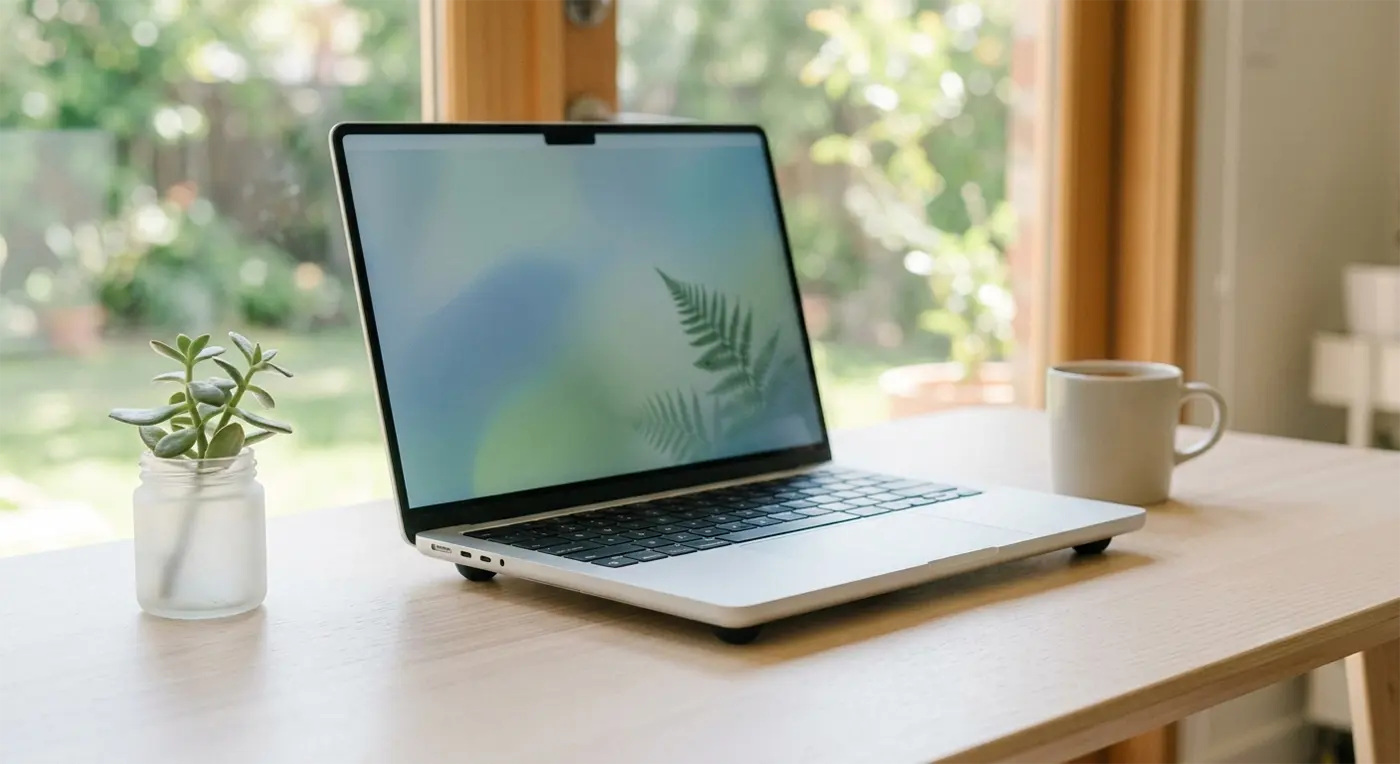
If your laptop is currently sounding more like a hairdryer than a computer, it’s probably feeling the heat!
With temperatures creeping up, it’s no surprise people are searching for how to stop a laptop overheating. Your tech has to work much harder in warmer weather, and if the cooling fan is doing your head in, your laptop is probably crying out for a bit of breathing room.
Here are our best tips for keeping your tech running sweet:
Flat & Firm
Try to keep your laptop on a hard, flat surface. Soft furnishings like beds or sofas block the vents, trapping heat and making it much harder for your laptop to stay cool.
Share the Breeze
Consider directing a desk fan towards your machine—it’ll definitely appreciate the extra airflow!
Put Some “Heels” On
Stick-on rubber feet applied to the bottom of your laptop raise it just enough to improve airflow underneath.
A Quick Spring Clean
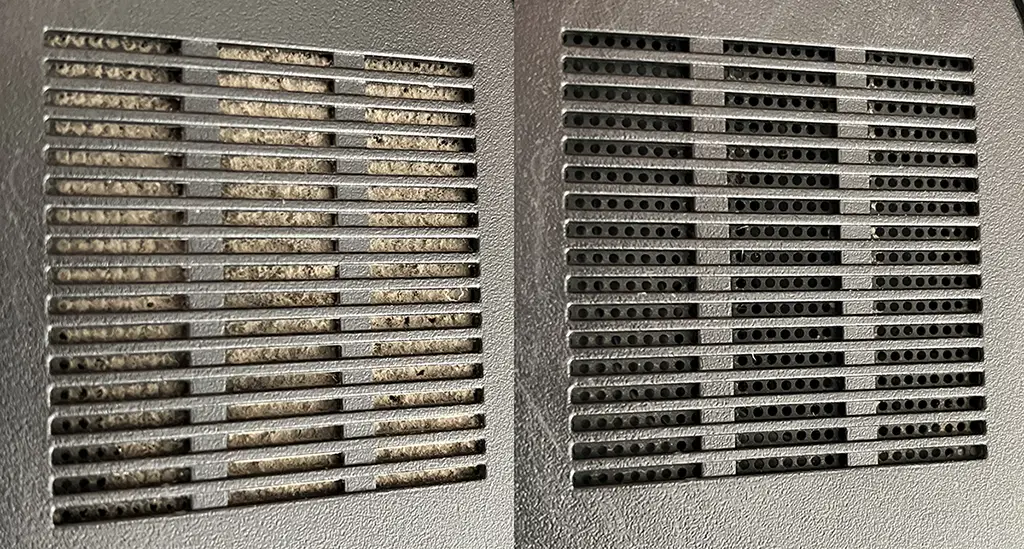
Use short bursts of compressed air to clear dust from the vents. If you’re using a vacuum, keep it to the outside of the vents and avoid touching internal components. For a more thorough clean, removing the bottom cover allows you to clear out the dust that builds up inside.
Don’t Forget Your Desktop PC! 🖥️
These tips apply to desktop PCs too. A careful clean with compressed air and a gentle vacuum around the case vents (taking care to avoid static) is well worth doing once a year to help keep everything running cool.
Still Running Hot?
If your laptop or desktop is overheating, running slowly or sounding louder than usual, pop into Bluesdigital or get in touch. We’ll be happy to take a look.
And if you’re still wondering how to stop your laptop overheating, or you’d rather let someone else give it a proper clean, we’re always happy to help.
Frequently Asked Questions
Q: Why is my laptop fan suddenly so loud?
A: When the room gets warm, your laptop has to work harder to get rid of heat. The fan spins faster (and louder) to keep the processor and other components cool. If it sounds like a jet engine, it’s usually a sign your laptop needs better airflow, a clean, or both.
Q: Can I use a vacuum cleaner to clean my computer vents?
A: Yes—but only for a gentle clean of the external vents. Avoid using a vacuum inside the computer, as static electricity can potentially damage sensitive components. For internal cleaning, short bursts of compressed air are the safer option.
Q: Is it safe to use my laptop on my lap or bed in the summer?
A: It’s best to avoid it, especially in warm weather. Soft surfaces such as blankets, sofas or beds can block the cooling vents underneath, trapping heat inside. A firm, flat surface like a desk or tray allows air to circulate much more effectively.
Q: How do I know if my computer is actually overheating?
A: Common signs include the fan running constantly, the computer becoming unusually hot to the touch, slowing down, freezing, or unexpectedly shutting itself down. That automatic shutdown is a built-in safety feature designed to help prevent damage from excessive heat.