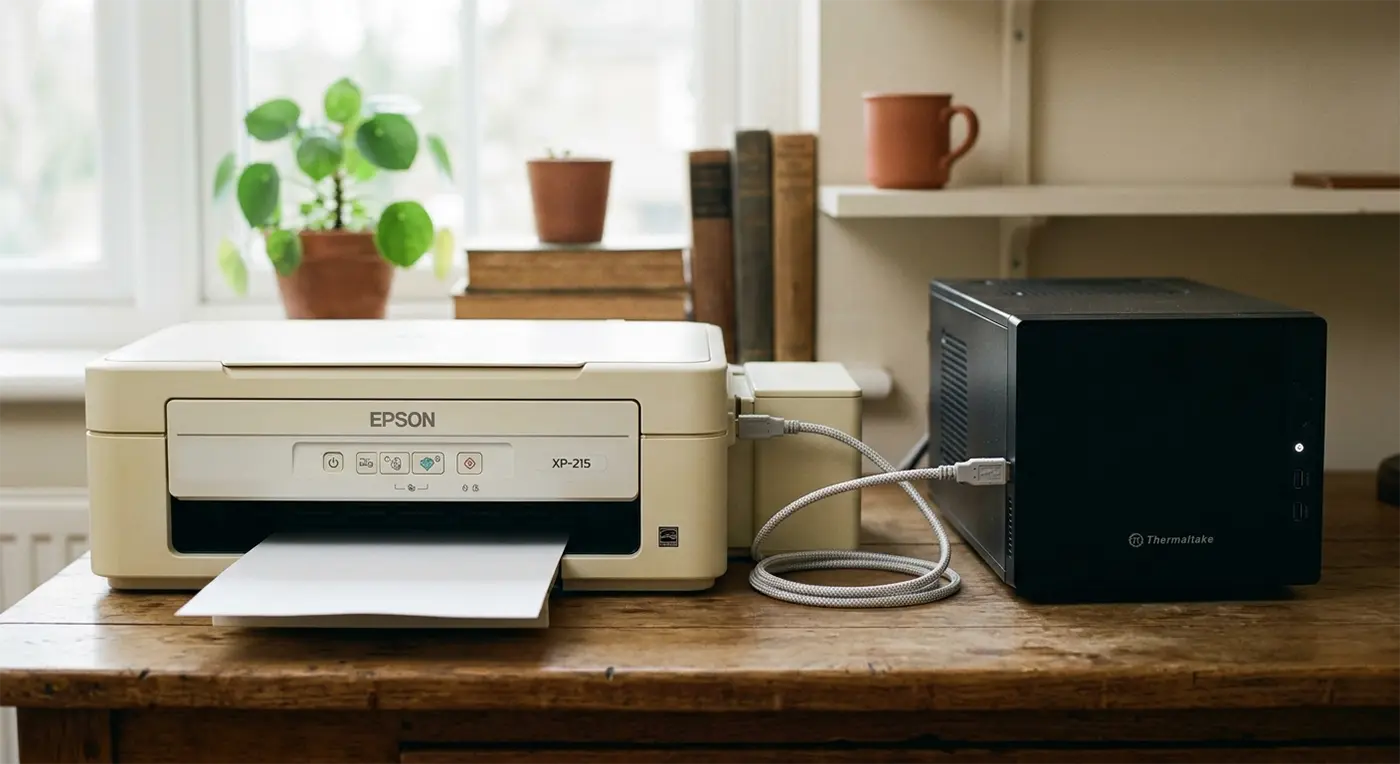
…then snuggled up together on my desk!
Oh no, a relationship drama at Bluesdigital involving a Thermaltake PC and an Epson XP-215 printer that had completely stopped talking to each other. It had turned into a classic case of printer not connecting to a computer, leaving plenty of frustration behind. After a little expert attention, they were happily communicating again and ready to head back home together.
If your printer isn’t connecting to your computer, won’t respond when you hit print, or you’re struggling with printer setup, don’t worry—we’re here to help. At Bluesdigital, our Tech Marriage Guidance service is always open!
Helping people solve printer connection problems in Newtown and across Mid Wales is all part of the day job here at Bluesdigital.
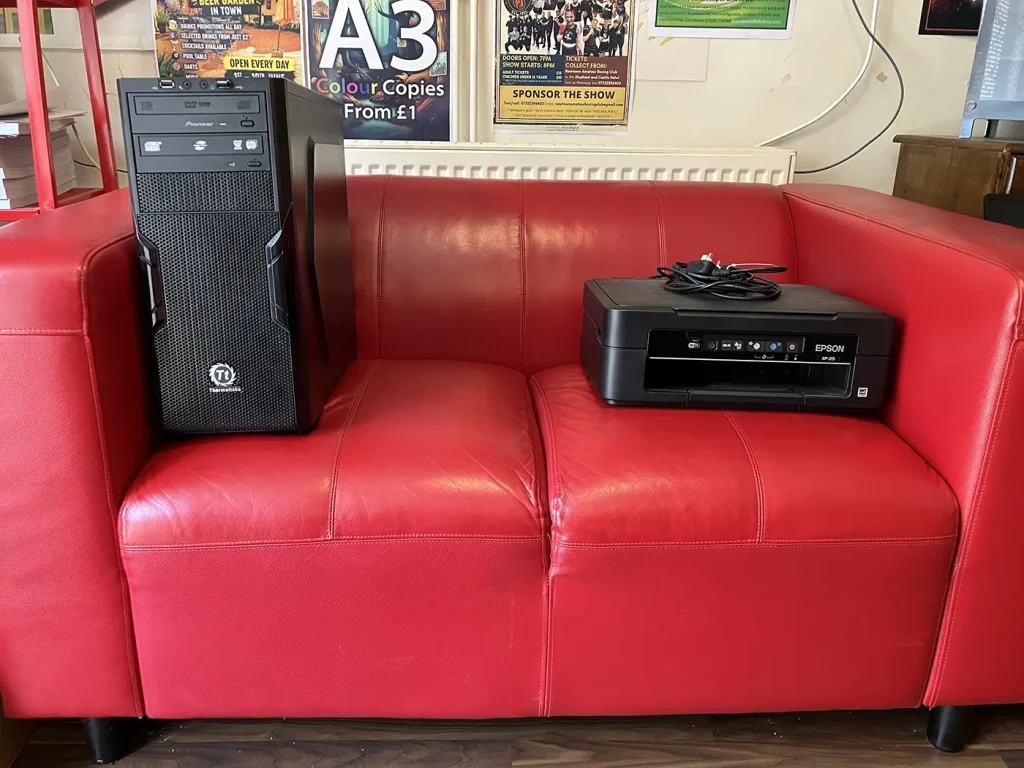
💔😒
👂
😘❤️

Quick Tips (If You Fancy Giving It a Go First!) 🛠️
No pressure at all—we’re always happy to sort it for you. But if you’d like to try a couple of quick checks at home first, these often do the trick:
- Restart Both Devices: Turn off both the PC and printer, wait around 30 seconds, then switch them back on. It’s amazing how often this resolves communication problems.
- Check Your Connections: If you’re using a USB cable, make sure it’s firmly connected. If your printer is wireless, check that both devices are connected to the same Wi-Fi network.
- Clear the Print Queue: A stuck print job can stop everything else. Open the printer queue on your PC and remove any documents that are waiting.
Not keen on troubleshooting? No problem at all—bring them in and we’ll get them speaking to each other again.
Frequently Asked Questions
Q: Do I need to try fixing it myself before bringing it in?
A: Not at all. Whether you’ve tried every suggestion online or haven’t touched a single cable, you’re welcome to bring everything straight to us.
Q: Why is my printer not connecting to my computer?
A: It happens more often than you’d think. Windows updates, Wi-Fi changes, printer settings, or even a stuck print queue can suddenly interrupt communication between your computer and printer.
Q: Should I bring both the PC and the printer?
A: If they’re refusing to communicate, bringing both lets us test everything together and make sure they’re working perfectly before they head back home.