Most small businesses don’t think about their tech until something starts to feel… off.
A website that loads a bit slower than it used to. A printer that suddenly becomes a daily frustration. A computer that takes just a bit too long to “wake up” in the morning.
None of it usually breaks everything at once — it just quietly gets in the way of getting things done.
And that’s often the point where we get called in.
At Bluesdigital, we tend to sit somewhere between three common areas:
And surprisingly often, those three things are connected.
A slow computer can make website updates harder. An outdated website can make printing and branding feel inconsistent. And small technical issues tend to stack up until they feel bigger than they are.
The good news is, most of it is fixable without overcomplicating things.
Usually it comes down to:
a bit of maintenance
a bit of structure
and making sure everything is actually working together properly
Nothing dramatic. Just steady, sensible fixes.
If your setup feels like it’s starting to slow you down, it’s usually worth getting it checked before it turns into a bigger problem.
We’re always happy to take a look and point you in the right direction — whether it’s computers, websites, printing, or just figuring out what’s actually going on. Let’s get your business tech working for you.
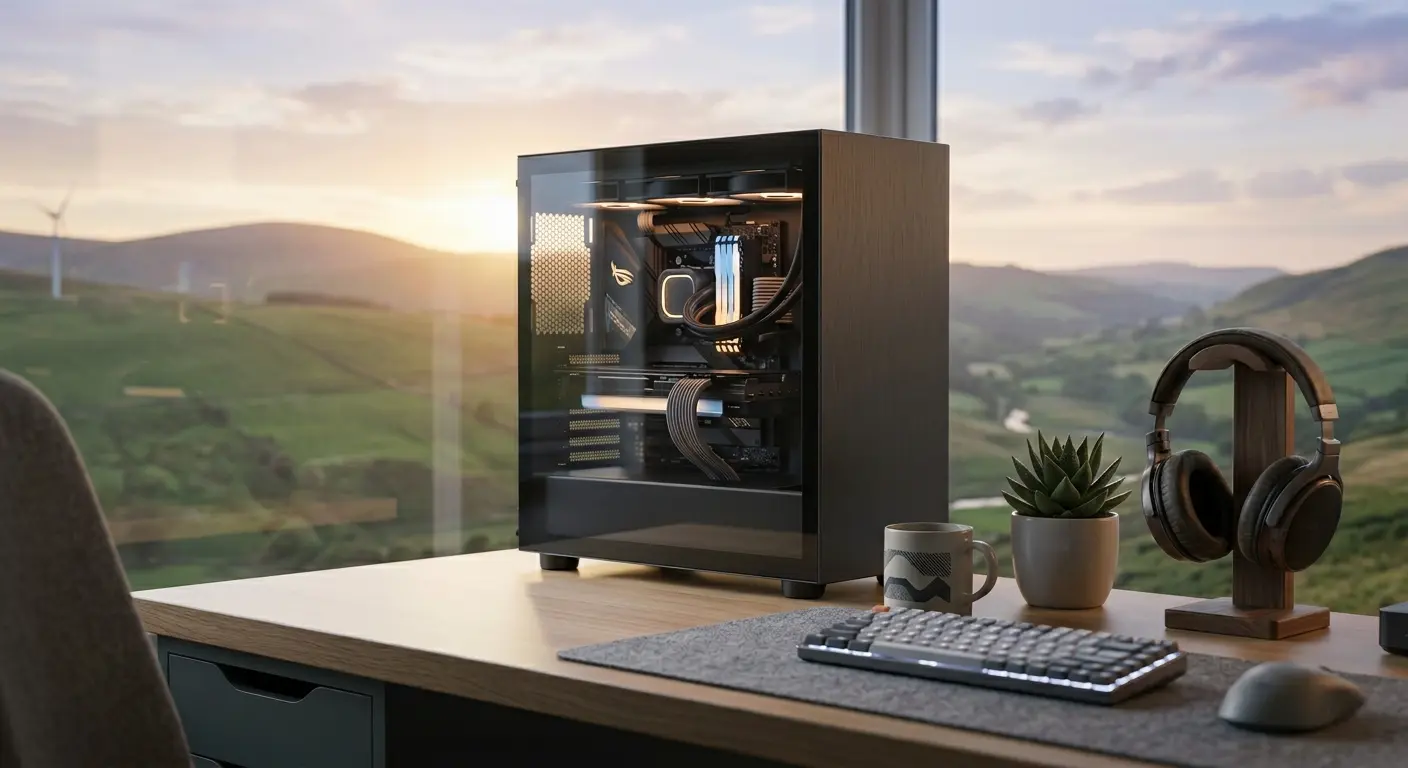
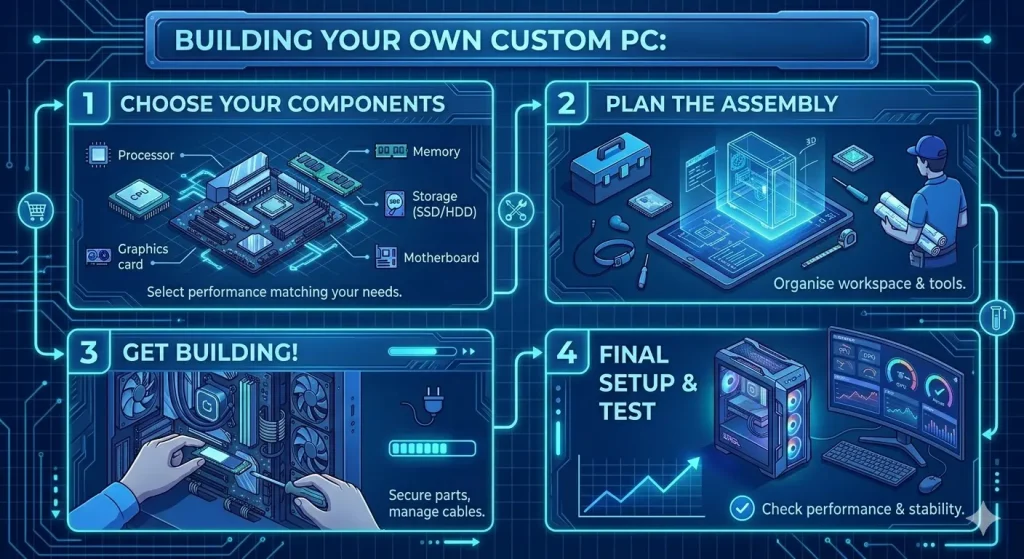
If you’ve been thinking about upgrading your setup, there’s never been a better time to invest in a custom built PC. Whether you’re looking for a gaming powerhouse, a reliable business workstation, a creative editing machine, or a family computer tailored to everyday use, a custom build gives you greater flexibility, better value, and performance designed around your needs.
Modern processors, ultra-fast SSD storage and the latest graphics technology have made today’s computers more powerful than ever. Rather than paying for features you don’t need—or compromising on the parts that matter most—a custom built PC allows every pound of your budget to work harder.
At Bluesdigital, we build custom PCs right here in Newtown, Powys. Inspired by Mid Wales legends, our flagship systems include Twrch Trwyth (The Wild Boar), a ferocious high-performance machine built for speed and gaming, and Ych Brych (The Brindled Ox), a dependable workstation designed for reliability, productivity and long-term durability.
But while we’re proud of our flagship systems, our favourite builds are often the ones that start with a completely blank sheet of paper.
Beyond the Flagships: We Love a Blank Canvas
Nothing gets us more excited than sitting down with someone who has a specific idea in mind.
Perhaps you need a workstation for specialist software. Maybe you’re building a gaming setup you’ve dreamed about for years. Perhaps your household needs one machine capable of handling homework, photo editing, streaming and gaming without missing a beat.
Whatever your requirements, we enjoy designing a system around how you actually use your computer rather than forcing you into a one-size-fits-all solution.
Already Started Your Own Build? We’re Happy to Help
If you’ve already started building your own PC, that’s brilliant too.
Maybe you’ve picked out some components online and would like a second opinion. Perhaps you’re not sure if everything is compatible, wondering whether your power supply is up to the job, or trying to work out why a new graphics card isn’t behaving quite as expected.
Bring it in.
We’re always happy to offer practical advice, compatibility checks, upgrade suggestions and troubleshooting tips. Sometimes a ten-minute conversation can save hours of frustration—and even if you’re building it yourself, we’re genuinely pleased to help point you in the right direction.
After all, we’re computer enthusiasts too.
No Pressure: Let’s Just Get the Conversation Started
You don’t need to make a final decision before getting in touch. We’re happy to chat through the options and see where the conversation leads.
Sometimes a brand-new custom-built PC is the right answer.
Maybe a quality refurbished machine offers better value.
It could be your existing computer simply needs a little extra memory, a fast SSD, or a thoughtful upgrade to breathe new life into it.
Starting the conversation costs absolutely nothing, and we’ll always recommend the option that makes the most sense for your needs and budget—even if that means not buying a new PC.
Looking for a Custom Built PC in Newtown?
We regularly help customers across Newtown, Welshpool, Llanidloes, Machynlleth, Aberystwyth and throughout Mid Wales.
Whether you need a gaming PC, office workstation, creative editing machine or reliable family desktop, we’ll help you build a computer that delivers the right balance of performance, reliability and value.
When you choose a local builder, you’re not just buying a computer—you’re getting advice, support and expertise from people you’ll actually be able to speak to again in the future.
The Advantages of Going Local in Mid Wales
Component Quality You Can Trust
We spend our days repairing and servicing computers, which means we’ve seen where manufacturers cut corners. By carefully selecting every component, we can build systems designed for longevity, reliability and future upgrades.
From quality power supplies and dependable motherboards to sensible cooling and tidy cable management, we build machines we’d happily use ourselves.
Friendly, Straightforward Advice
No confusing jargon. No hard sell.
Simply tell us what you want your computer to do and roughly what you’d like to spend, and we’ll recommend the best options for your budget.
Real Local Support
If you ever need advice, upgrades, maintenance or repairs in the future, you can simply pop back into the shop and speak to someone face-to-face.
No call centres. No lengthy support tickets. No boxing up your computer and hoping the courier is having a good day.
Our goal is simple: to build a machine you keep because you love it, not one you replace because it failed.
Custom PC Building: Your Questions Answered
Thinking about taking the plunge but not sure where to start? Here are some of the most common questions we hear over the counter.
Is it cheaper to build a PC or buy a prebuilt one?
In many cases, a custom built PC offers better value because you’re paying for quality components throughout the system rather than a headline specification with compromises elsewhere.
Big-brand systems often save money on power supplies, cooling, motherboards or memory. A custom build allows every part of your budget to go towards performance and reliability.
Can I bring you a list of parts I found online?
Absolutely.
In fact, we love it.
If you’ve been experimenting with PCPartPicker or researching components online, bring your list along. We’ll happily check compatibility, ensure everything works together properly and suggest improvements where appropriate.
How do I know what specification I need?
That’s exactly what we’re here for.
Simply tell us what you use your computer for and your approximate budget.
Gaming: We’ll prioritise graphics performance and processing power.
Business and creative work: We’ll focus on memory, storage speed and multitasking capability.
Everyday family use: We’ll balance reliability, performance and value.
What happens if something goes wrong?
Because we build and support the systems ourselves, you can bring the machine back to us for diagnosis, warranty assistance and advice.
We’ll help identify the issue and guide you through the next steps without the usual runaround.
Can I upgrade the PC later?
Yes.
Our systems use standard components designed with future upgrades in mind. Whether you want a larger SSD, more memory or a new graphics card in a few years’ time, upgrading is straightforward.
What if I’m working with a limited budget?
That’s not a problem.
A new custom build isn’t always the right answer. We can discuss quality refurbished systems, upgrades to existing machines or specifications designed around your budget.
The important thing is finding the right solution for you.
Ready to Start Your Build?
Whether you’re planning your dream gaming PC, replacing an ageing business computer, upgrading your current machine, or simply wondering whether a custom build is the right route, we’d be delighted to help.
Bring your ideas, wish list, parts list or existing machine into our workshop on Frolic Street in Newtown, give us a call on 01686 610106, or send us a message to start the conversation.
No pressure. No obligation. Just friendly advice from your local computer enthusiast who loves helping people get the most from their technology.
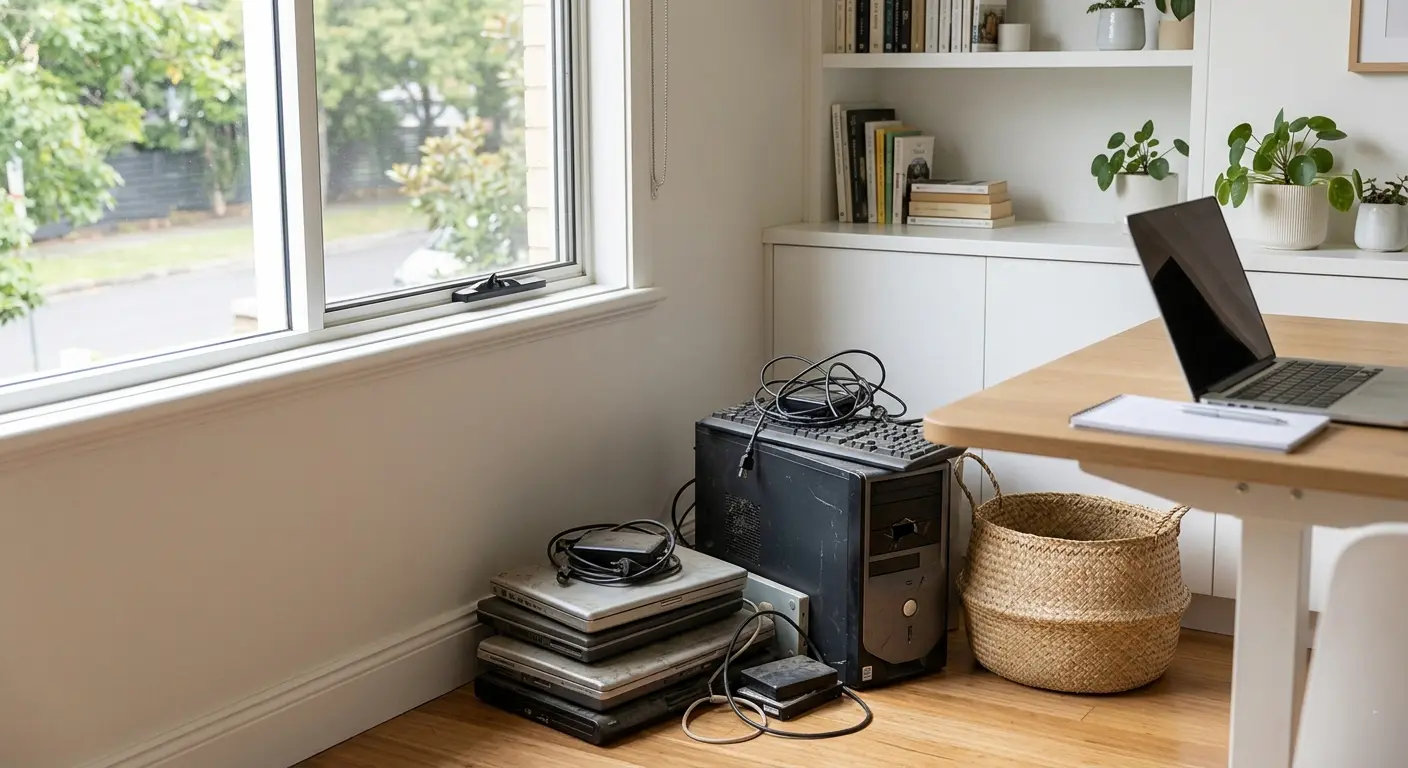
We’ve all got that one cupboard, drawer, or corner of the office where old technology goes to retire.
You know the one.
An old laptop that takes longer to boot than the kettle takes to boil. A desktop PC that started making a strange grinding noise sometime during lockdown. A mysterious collection of chargers that apparently belong to something… nobody quite remembers what.
Most people mean to sort it all out eventually. But the pile just quietly grows.
Usually because you’re stuck wondering:
Is this thing worth fixing?
Is it completely dead?
Is my data still on there?
Can I recycle it safely?
Am I about to spend money on a lost cause?
At Bluesdigital, this is honestly one of the most common conversations we have over the counter.
And most of the time, people just want a straight answer.
That’s why we keep things simple with honest advice, no pressure, and a proper Newtown computer repair or recycle check.
The Good News? Old Computers Are Often More Fixable Than People Think
A surprising number of “dead” laptops aren’t actually dead at all.
Sometimes they’re just:
Clogged up with dust
Running an ageing hard drive
Struggling with an old battery
Crying out for a little extra memory
Overheating because the fan sounds like a small helicopter
We regularly see laptops people were ready to throw away suddenly feel fast and usable again after a sensible upgrade.
And sometimes?
We’ll tell you it really isn’t worth repairing.
Because honestly, not every machine should be saved — and we’d rather give you honest Newtown computer repair advice than talk you into spending money unnecessarily.
That’s also why we stick to a strict No Fix, No Fee policy.
No awkward surprises. No “while we were in there…” mystery costs. Just a straightforward assessment from local people who spend far too much time talking to computers.
Reclaim Your Space in 3 Easy Steps
1. Gather Up the Tech Graveyard
Round up the old laptops, desktop PCs, forgotten tablets, and the spaghetti pile of charging cables.
Bring them into the shop — no appointment needed.
Honestly, we’ve seen far worse.
2. We’ll Have a Proper Look
We’ll check:
What’s actually wrong
Whether the machine is worth repairing
If your files can still be recovered
Whether a simple upgrade could give it a few more years of life
Sometimes the verdict is:
“Yep, easy fix.”
Sometimes it’s:
“This computer fought bravely and deserves a peaceful retirement.”
Either way, you’ll get a clear answer.
3. Decide What You Want To Do
If the repair makes sense, brilliant — we’ll get started.
If it’s reached the end of the road, we can help safely prepare it for recycling by securely wiping or removing the hard drive first.
Which brings us to the bit most people are really worried about…
“Hang On… What About My Photos and Passwords?”
Very sensible question.
Old hard drives can contain years of:
Family photos
Saved passwords
Bank details
Emails
Tax documents
Random desktop screenshots nobody remembers taking
Simply deleting files often isn’t enough.
Before any computer is recycled, we can securely wipe the drive or physically remove it, helping make sure your personal data stays personal.
And if there are important files you still need, we can usually transfer them onto:
A USB stick
An external drive
Your replacement computer
So you keep the memories without keeping the dusty old tower unit under the stairs.
One Important Thing to Know
While we’re happy to help with secure data wiping and prep, we work with local recyclers who can reuse physical hardware.
Once everything’s safely sorted, you can also pop it down to Newtown Powys Recycling Centre. , safe in the knowledge that your data is secure.
A lot better than leaving it in the cupboard until 2034.
Quick FAQs
Can old laptops still be repaired?
Very often, yes. Many slow laptops simply need an SSD upgrade, more memory, or a fresh battery.
Is it worth repairing an old PC?
Sometimes absolutely. Sometimes not at all. We’ll always give honest advice based on the machine’s age, condition, and repair cost.
Is deleting files enough before recycling a computer?
Usually no. Files can often still be recovered unless the drive has been securely wiped.
Do you recycle computers?
We help safely prepare devices for recycling, including secure data wiping, and work with local recyclers who can reuse physical hardware. Or you can pop it down to Newtown Powys Recycling Centre, safe in the knowledge that your data is secure.
Ready to Clear Some Space?
Whether your old tech gets a second lease of life or a respectful, data-safe send-off, you’ll still end up with:
Less clutter
Less stress
More desk space
And probably fewer mystery cables
So if you’ve got an old laptop or PC gathering dust, bring it into Bluesdigital for a friendly Newtown computer repair or recycle check-up.
You might be surprised what’s still worth saving, and if not, what will you do with all the extra space?
An interesting job came into our Newtown workshop last week.
A client had picked up a refurbished Dell Precision 3620 from eBay a couple of years ago to handle his design workload — and to be fair, it was a cracking choice. i7 CPU, 16GB RAM, fast NVMe SSD, and a proper CAD graphics card. Solid bit of kit.
Unfortunately, last week it decided to have a full-on hissy fit and refused to start.
He brought it in for a suss out, and it didn’t take long to find the culprit — a failed motherboard, a common cause of PCs not turning on at this age.
When a Dell PC Won’t Turn On
On paper, replacing a motherboard is a straightforward PC repair. In reality, with older Dell workstations, it’s rarely that simple.
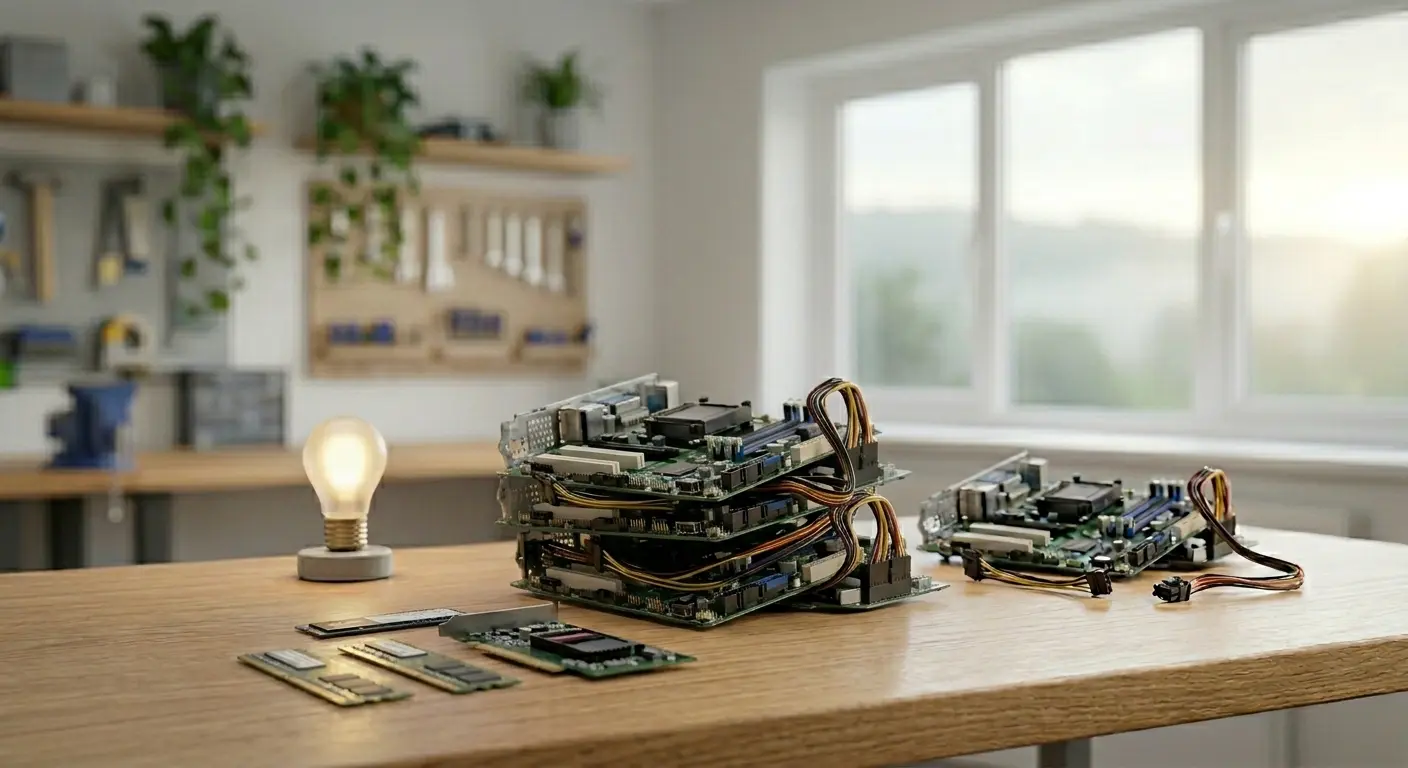
Machines like this often use non-standard components — custom motherboards, specific power supplies — which can make sourcing parts for a 10-year-old system a bit of a nightmare.
A common approach is to rebuild the system into a new chassis with a compatible motherboard, reusing the best components where possible.
So, after backing up the client’s files to keep him moving, I started sourcing parts for a proper repair.
The Problem with Older Computer Repairs
Finding a compatible motherboard was proving difficult.
That’s when something in the corner of the workshop caught my eye…
One of our original Ych Brych builds.
For those who haven’t come across them yet, Ych Brych is our range of hand-built PCs — designed to be powerful, reliable, and easy to repair. Built right here in our workshop, and ready for action.
A Faster PC Repair Solution
Instead of chasing hard-to-find Dell parts, we took a different approach.
We swapped the key components — SSD, graphics card, and memory — from the failed machine into the Ych Brych system.
Same performance. No delays. No waiting for parts.
Sometimes the best PC repair solution isn’t a repair at all — it’s a smarter rebuild.
Back Up and Running in Hours
A couple of hours later, the client was back up and running with a fully working computer — and all his files exactly where he left them.
Low downtime, No stress. Just a practical fix that got the job done quickly.
Repair & reuse at its finest.
Need PC Repair in Newtown?
If your PC isn’t turning on, running slowly, or just not behaving how it should, bring it into our Newtown workshop for a proper look.
We’ll give you a straight answer and the best option for your setup — whether that’s a repair, upgrade, or a more flexible solution like this one.
📞 01686 610 106 💬 0783 222 7823 (Text/WhatsApp) 📍 Newtown — between the Medical Practice and the Driving Test Centre 📧 shop@bluesdigital.com
At Bluesdigital, we see a wide range of computers come through our workshop. And to be fair, some of the deals our customers find are genuinely brilliant. We love seeing a budget system that punches well above its weight, especially when it’s a Budget Gaming PC built for performance without breaking the bank.
But every now and then… something comes in that looks great on the outside—and tells a very different story once opened.
If you’re ever unsure about a system you’ve bought, you’re always welcome to get in touch for a second opinion. A quick check can save a lot of headaches down the line.
A recent customer brought in a “new” gaming PC that wouldn’t boot. On first glance, it looked the part: sleek case, bright RGB lighting, everything you’d expect from a modern gaming setup.
Inside, though… it was less “custom build” and more creative improvisation.
What We Found Inside
Loose and Misaligned Components The motherboard wasn’t properly secured—missing screws and sitting slightly out of place, to the point where it was actually blocking the rear USB ports. Not exactly plug-and-play.
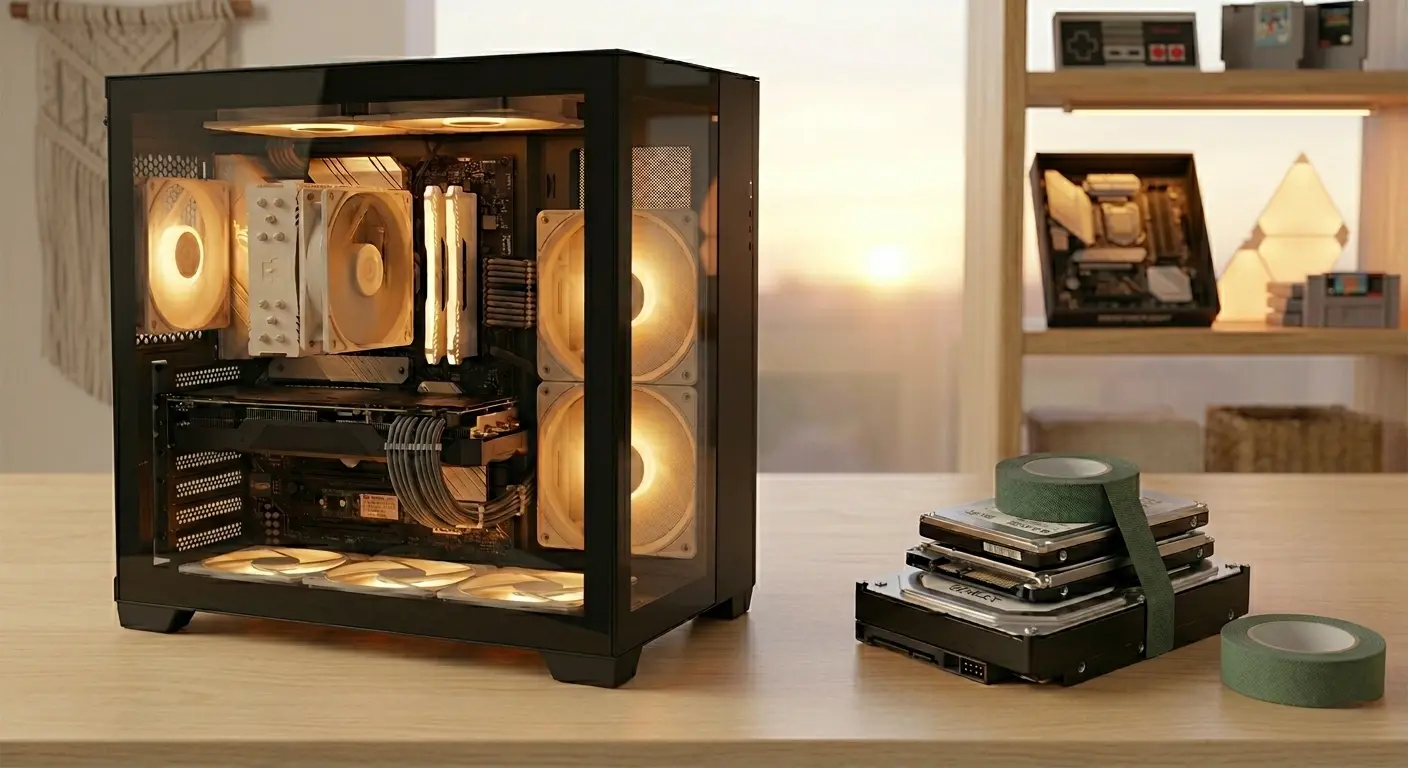
A Very “Sticky” Storage Solution Two old laptop hard drives and an SSD had been taped together, then attached to an even older drive using insulation tape. It technically held together… but it’s not a method we’d recommend for long-term data safety.
Cable Management (or Lack of It) Rather than being routed neatly, the cables looked like they’d been pushed into the case and the side panel closed with optimism. This kind of setup restricts airflow and can lead to overheating or premature component failure.
If you’ve opened your PC and something doesn’t quite look right, feel free to send us a quick photo or message—we’re happy to take a look and give you an honest opinion.
The Bigger Picture
Situations like this are more common than most people realise.
Some sellers focus on what you can see: a modern case, colourful lighting, and a spec list that sounds impressive. But behind that, there can be older components, rushed assembly, or corners cut during the build process.
To the average buyer, it looks like a bargain. In reality, it can lead to poor performance, reliability issues, or—in this case—a system that doesn’t work at all.
Unfortunately, this particular machine was simply not fit for purpose, and we advised the customer to return it under warranty.
No Judgement—Just Straightforward Advice
If you’ve ever bought something and thought, “This doesn’t feel quite right,” you’re definitely not alone. It happens more often than you’d think.
There’s absolutely no judgement from us—just honest advice and a clear explanation of what’s going on inside your system.
Whether it’s a quick inspection or a full rebuild, we’re here to help you get the performance you actually paid for.
Need a Second Opinion on your Budget Gaming PC?
If you’d like us to take a look, you can:
Call us on 01686 610 106
Text or WhatsApp 0783 222 7823
Or pop in and see us in Newtown (we’re between the Medical Practice and the Driving Test Centre)
Even if it’s just for peace of mind, we’re always happy to help.
I’m not particularly superstitious, but last Friday (the 13th!) did its best to convert me. It was a day of “hissy fits,” “ghosts in the machine,” and one very loud box of bubble wrap.
Here’s a look at what goes on behind the scenes at Bluesdigital when the universe decides to get glitchy.
08:50 – The “Beasty” Goes Dark
The day started like any other: power on the PC, head for the kettle. But when I returned, my “trusty steed” had the lights on, but nobody was home—no signal, no response, just silence.
With my first client arriving in ten minutes, there was no time for a funeral. I performed a quick “brain transplant” (swapping my main drive into a backup machine) and was ready to go before the doorbell rang.
The Malware Menace
My first job was a virus removal on a nearly new laptop. It’s frustrating because this was entirely avoidable. The original suppliers hadn’t bothered to secure the browser or tighten security settings.
An extra five minutes of setup could have saved the client a lot of stress—and that sinking feeling when a new laptop goes wrong.
The OneDrive “Disappearing Act”
Next, I helped a client who thought they’d lost years of work. In reality, Microsoft OneDrive had performed its classic “sneaky takeover,” moving files from their usual spots into the cloud.
For many people, this causes more confusion than it solves.
Warranty Service, the Bluesdigital Way
A client brought in a 4-month-old Dell Latitude that was being “grumpy” on startup. Diagnosis: a faulty motherboard.
Now, most shops would make you wait weeks for a manufacturer return. We do things differently. We backed up her files, set up a replacement machine, and had her back on the road within the hour.
Tech is too critical to wait weeks for a repair.
Things That Go “Pop” in the Afternoon
Mid-afternoon, my main printer decided to start printing pages of non-descript ranting (very Friday the 13th). A quick reboot and a firm talking-to sorted it out.
Shortly after, a box of bubble wrap left too close to the radiator decided to go “POP” with the volume of a shotgun. I think I’m still jumping at shadows.
The 13-Year-Old Meltdown
The final paid job of the day was a 13-year-old Zoostorm PC. On its 13th birthday, on Friday the 13th, it finally gave up the ghost. It was riddled with the “Wave Browser” malware and fake alerts.
We managed to deep-scan and rescue the critical files, moving them safely to a “sturdy new beast” equipped with Malwarebytes to keep the bugs at bay.
The Verdict
Once the shop doors were locked, I finally diagnosed my own PC—no curses or ghosts—just a failed SSD controller. Whether it’s a hardware failure or a malware attack, technology is unpredictable. But with a solid backup plan and the right setup, even Friday the 13th won’t slow you down for long.
Need a “Sturdy New Beast” or a Security Tune-up?
If your tech’s been acting a bit “Friday the 13th” lately, don’t leave it to chance.
Call us! 01686 610 106
Or Pop in, the sun is shining today!
Checked the security feed this morning—no tricksters, just plenty of sunshine! ☀️
The short answer? For most people, you probably don’t need one.
If you aren’t travelling abroad or trying to access region-restricted content, you can likely save your money. For everyday browsing, shopping, and online banking at home, your standard internet connection is already very secure.
A Common Question at the Counter
I was chatting with a lovely pensioner I’ve known for years the other day. He’d seen the adverts and was wondering whether he should be paying extra for a VPN to stay safe online.
In my honest opinion? Unless you’re travelling and want access to UK services like iPlayer, or you have a specific technical reason, there’s usually no need for one.
Why the “Hype”?
You’ve probably seen the adverts suggesting that “hackers” are watching your every move. It’s clever marketing.
Modern security threats have changed. Most cybercriminals don’t “break in” — they are let in. They use social engineering, fake text messages, phishing emails, or convincing phone calls to trick people into handing over details.
A VPN is like installing a high-tech bolt on your front door. It’s useful in the right circumstances — but it won’t help if you open the door and hand a stranger your keys.
The biggest risks today aren’t unencrypted connections. They’re scams.
What Do the Experts Say?
The National Cyber Security Centre (NCSC) — the UK government’s official cybersecurity authority — focuses its advice to home users on strong passwords, two-factor authentication, software updates, and recognising phishing scams.
Their guidance makes it clear that the biggest risks to individuals come from social engineering and fraud — not from someone secretly intercepting an encrypted home broadband connection.
Travelling abroad and needing access to UK services
Connecting securely to a work network
Privacy preferences where you don’t want your ISP seeing browsing metadata
But for typical home users browsing from their own Wi-Fi? It’s rarely essential.
If You Do Want One
If you’d simply like an extra layer of privacy, there’s no need for an expensive subscription.
My personal recommendation is Cloudflare WARP. It’s free, fast (we’ve tested it on 1Gb+ connections), and comes from a well-established infrastructure provider with a strong privacy reputation.
It’s worth noting that WARP is more of a privacy-focused secure connection service rather than a traditional “change your country” streaming VPN. If your only goal is to access region-locked TV services, a commercial VPN may be required — but most people don’t need that.
For those curious about why VPNs are often unnecessary today:
Encryption is already standard. Nearly every website — especially banks and shopping sites — uses HTTPS. This means your data is already encrypted between your device and the website.
A VPN simply adds another encrypted layer between you and the VPN provider.
Be cautious with random “free VPN” apps. Many generate income by collecting and selling user data. If a service is free, always ask how it’s funded.
If you’re unsure whether a VPN makes sense for your setup, feel free to pop in or get in touch. We’re always happy to give honest advice — even if that advice is “don’t bother.”
Need Straight-Talking Advice?
At Bluesdigital, we believe tech should be simple and effective. Whether we’re managing your business website hosting or cleaning up a virus-infected laptop, our goal is the same as in this article: give you exactly what you need — no more, no less.
As your local Newtown tech specialists, we’re here to cut through the jargon. From secure home networks to reliable business hosting, we focus on practical solutions that genuinely make a difference.
If you’re unsure whether a VPN, antivirus package, or backup system makes sense for you, feel free to pop in for a chat. The coffee’s on — and the advice is honest.
It’s one of the most persistent myths in the tech world: “Macs don’t get viruses.”
While Apple builds a robust cage around its operating system, the “bad guys” have simply started building better lock-picks. This week at Bluesdigital, we saw a perfect example of why Mac users need to stay vigilant.
The Situation: A MacBook Air M2 Meltdown
A client brought in a beautiful MacBook Air M2 that had become virtually unusable. The machine was suffering from a digital “meltdown,” characterised by:
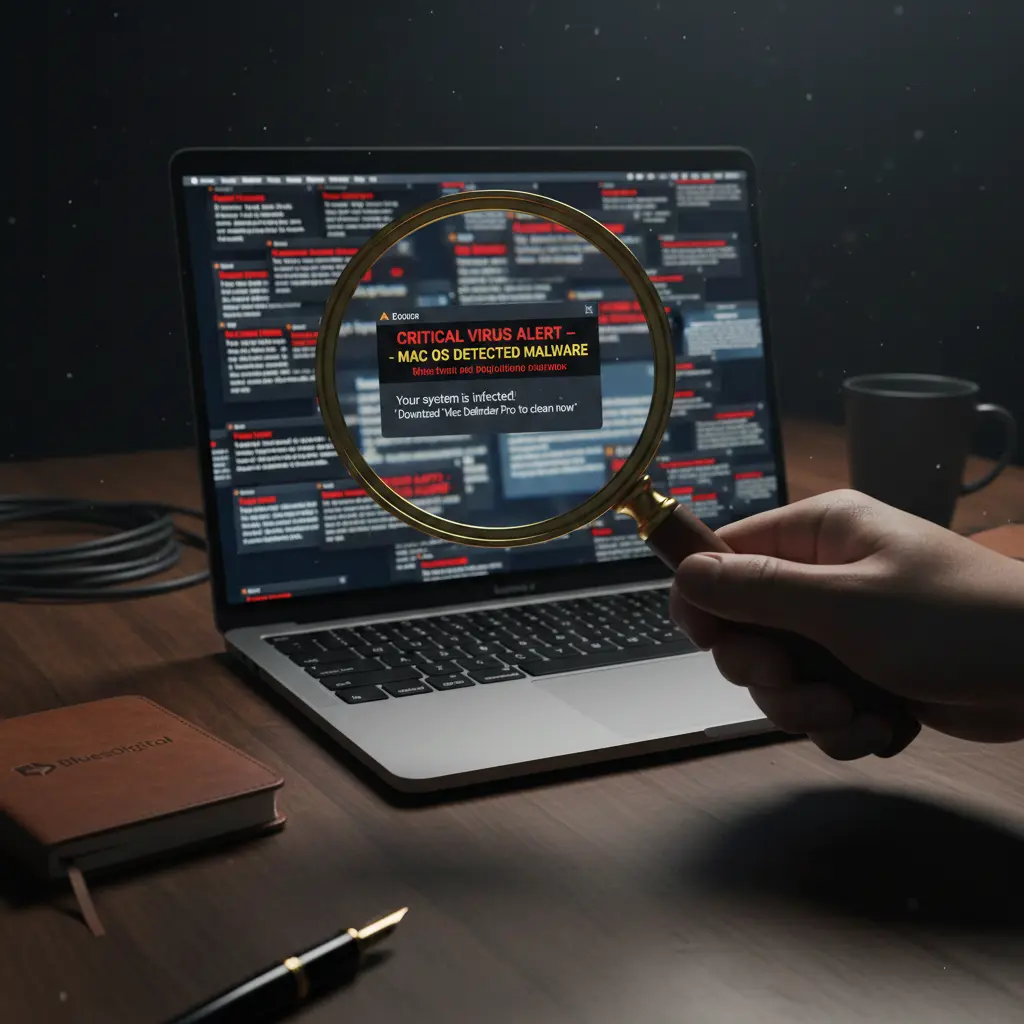
Hundreds of aggressive pop-ups claiming the system was infected.
Fake “Critical Mac OS Update” warnings designed to trick the user into clicking.
Total Access Block: The malware was so aggressive it was obstructing the lock screen and desktop, making it impossible for the average user to even open a browser for help.
For any user, seeing your premium device hijacked like this is a scary experience.
The Investigation: Time to “Sherlock” the Source
With thousands of these types of infiltrations under our belt, we broke out the metaphorical Deerstalker. Modern Mac security systems are great for keeping users safe, but they can occasionally slow down the repair process when we’re trying to dig into the system’s roots to find the “offenders.”
The Bluesdigital Fix:
Immediate Suppression: We killed the pop-up processes within seconds to regain control of the interface.
The Deep Clean: Once the “noise” was gone, we performed a thorough cleansing of the hidden files and “visitors” that had moved in.
The Restoration: We brought the machine up to date with an upgrade to Tahoe 26.2, ensuring all the latest security patches were in place.
Hardening the Perimeter: We adjusted the browser security settings to ensure these “fake” alerts can’t get a foothold in the future.
How to Protect Your Mac
As these attacks become more prevalent, relying on Apple’s built-in security alone is becoming a risky gamble.
Expert Tip: We recommend implementing “PC-strength” security. Tools like Malwarebytes for Mac are fantastic at catching the bots and bad guys that slip through the cracks. For most users, the Standard version is more than enough to keep you safe without the bloat of a “Premium” subscription.
Need a Digital Health Check? 🔍
If your Mac is acting up or throwing “warnings”—stop right there. Don’t click the link; bring the mystery to us.
🕵️ Case closed before it becomes a crisis. We’ve been solving Newtown’s tech mysteries since 2006. From MacBook meltdowns to “PC-strength” security, we de-bug and update your devices to get them back in action.
The Lenovo Tab M10 is a solid, reliable tablet – easy to use, good value, and ideal for everyday tasks like emails, browsing, streaming and video calls.
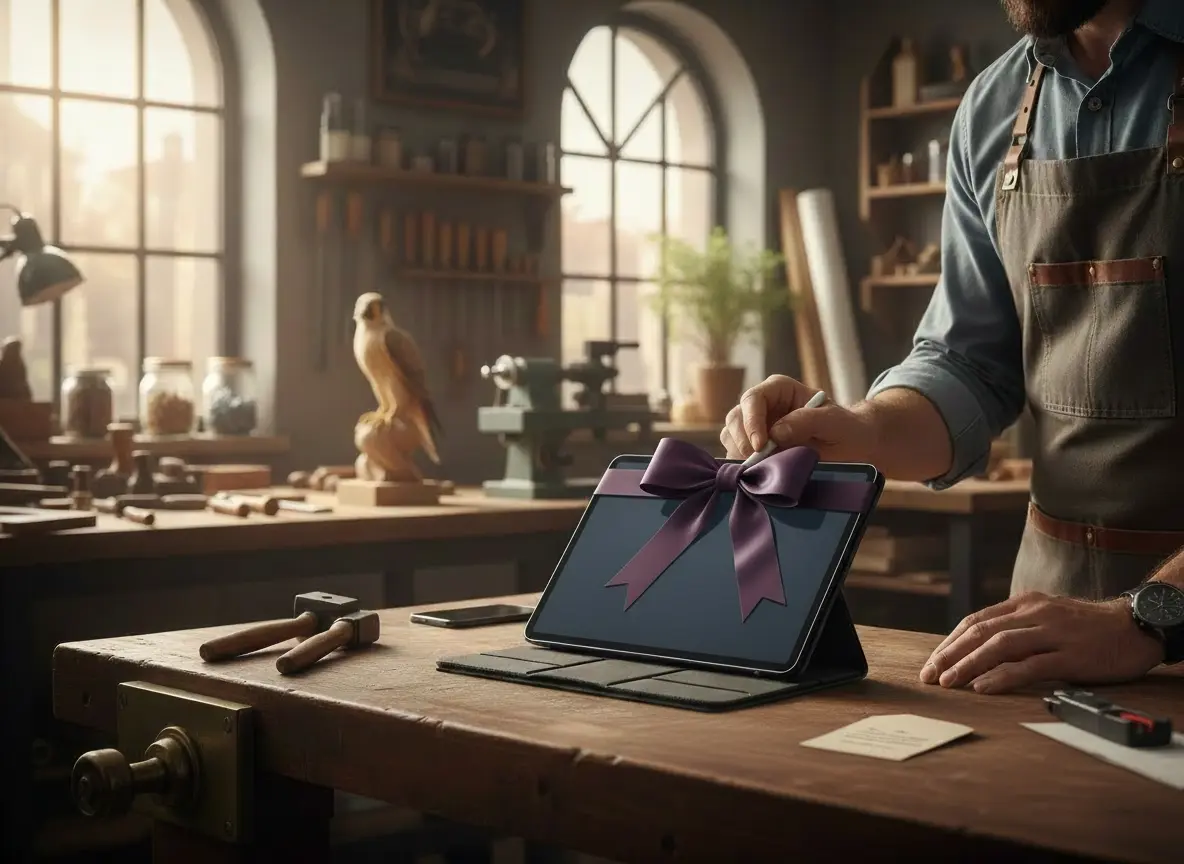
Recently, a lucky recipient received a Lenovo Tab M10 as a gift — what a great present to get! Tablets like this often find new homes, whether they’re brand new, pre-loved, or passed on from someone else.
What was the issue?
The tablet still had the previous user’s account signed in. When the new owner switched it on, it showed emails, apps, and other personal content. This can happen easily when someone sets up a device and then later gives it as a gift — it’s completely normal, and nothing that can’t be fixed.
The fix 💡
The advice was straightforward:
“Take it to Darren at Bluesdigital, he’s awesome and won’t rip you off.” – Thanks!!!
We carried out a full reset, removed the existing account, and set the Lenovo Tab M10 up cleanly for its new owner – secure, private, and ready to use ✔️
Why the Lenovo Tab M10 is a great gift 📱🎁
The Lenovo Tab M10 makes a really good gift:
Clear, bright display
Easy to use for all ages
Ideal for emails, YouTube, Zoom and web browsing
Lightweight and good value
Whether fresh out of the box or passed on, a proper setup is just around the corner.