Seen one of our £30 flyers in a local Newtown shop or friendly business? Then there’s good news! There’s no minimum spend, and you can put the £30 towards Bluesdigital labour on your job.
That could mean computer work, website development, SEO, design work or something else you’ve been meaning to get sorted. Just bring your flyer into Bluesdigital on Frolic Street, and we’ll take £30 off the labour cost.
So, What Could You Do With £30 Off?
There are plenty of ways you could put your £30 towards a Bluesdigital job. Here are just a few ideas to get you thinking…
Your Computer
Maybe it’s time for a clean-up, an upgrade, some troubleshooting or a bit of maintenance.
For example, if your PC is running slowly, getting hot or simply needs some attention, your £30 can go towards the hands-on work.
Your Website
Been putting off getting that website off the ground? Maybe now’s the time to get your business online.
Whether you’re starting from scratch or already have a site, your £30 could go towards website design, development, updates or improvements.
Your Next Print Project
Got something coming up that needs designing? For example, you could put your £30 towards the design and setup labour for flyers, banners, signage or other print projects.
And those are just examples. So, if you’ve got a computer problem, website idea, design job or something else you’ve been meaning to get sorted, ask us how your £30 could help.
Here’s a Thought…
We’ve had 500 of these £30 flyers printed, and they’ll be making their way around Newtown and the surrounding area.
If every one gets used, that’s £15,000 worth of Bluesdigital labour going towards local customers’ projects.
That’s a lot of computers fixed, websites started or refreshed, designs created, and print projects brought to life.
Yes! If you need our hands-on labour or design time, you can use the £30 towards it. However, physical materials, hosting and other third-party costs aren’t included.
Where can I find a flyer?
We’re starting to distribute them through local shops and friendly businesses around Newtown. So, keep an eye out while you’re out and about.
They’ll be making their way into the community over the coming weeks.
And if you’re reading this a little later and you’ve already got one sitting on the fridge, in your wallet or tucked in the glovebox… don’t forget to use it! 😉
Computers, Websites & Printing in Newtown & Mid Wales
From PC maintenance and upgrades to website development, SEO and print design, Bluesdigital provides practical tech, web and print services for local customers and businesses.
We’re at Frolic House on Frolic Street in Newtown, Powys. Bring your flyer in, and we’ll take £30 off the labour on your job.
One of our neighbours over on Frolic Street popped his head around the door with a quick request: could we update the BIOS and install an upgraded CPU while he nipped out to do some shopping?
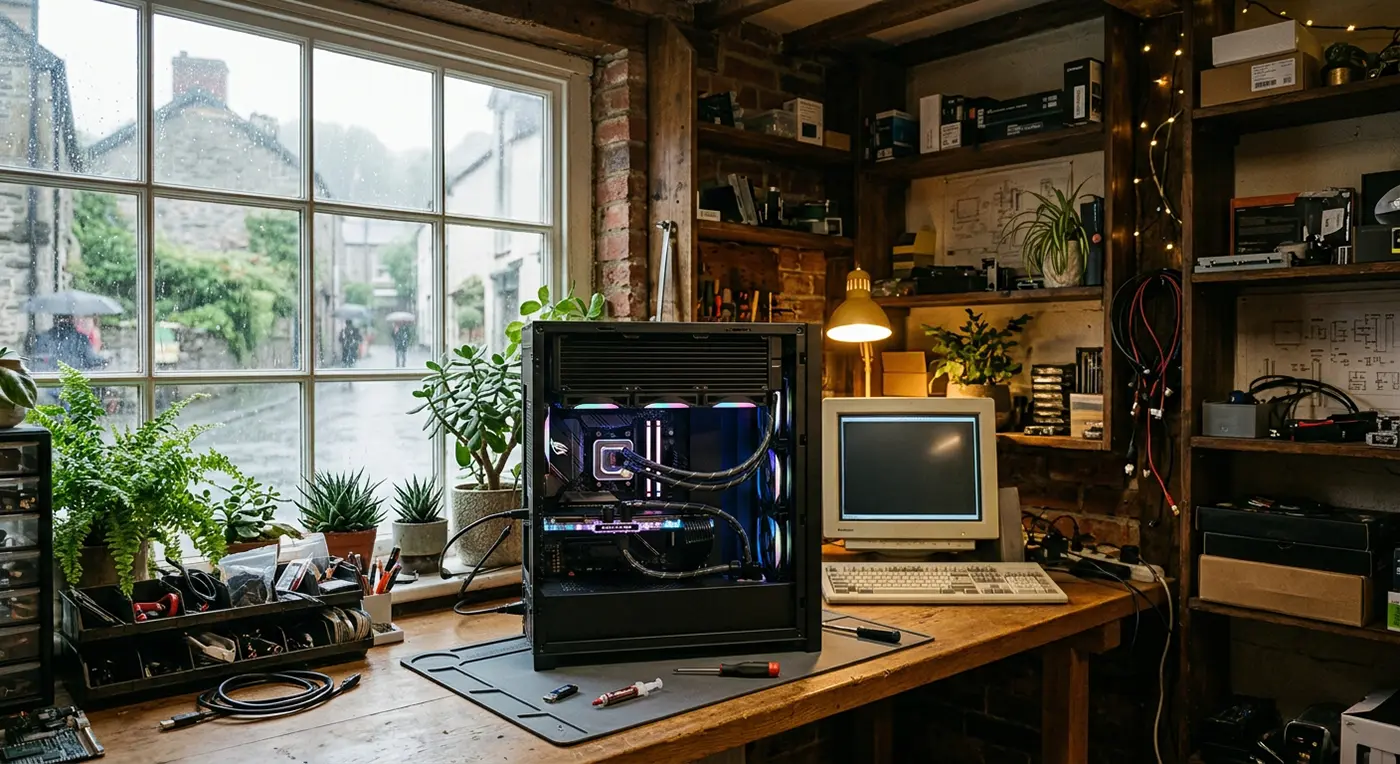
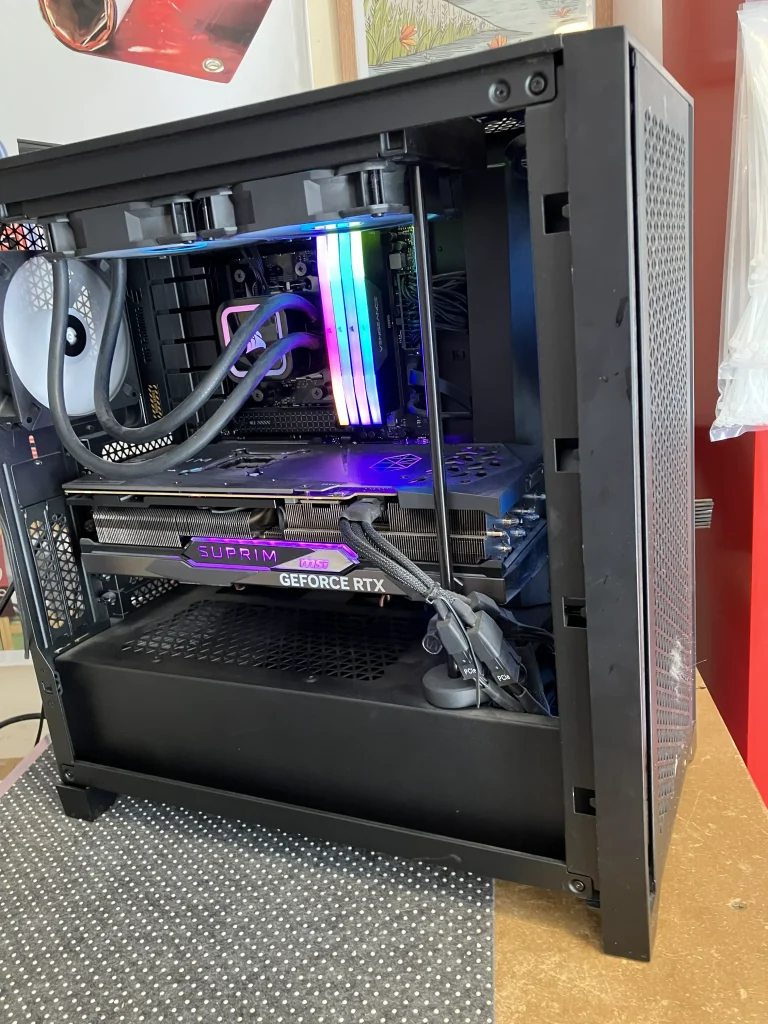
Easy enough… except this particular custom PC had a rather substantial liquid-cooling setup inside, complete with a radiator that made getting to the processor a little more interesting!
Here’s a behind-the-scenes look at how we tackled the upgrade and got this high-performance PC back up and running.
A Straightforward Upgrade… With a Few Obstacles
The job itself wasn’t complicated, but working around a large All-In-One (AIO) liquid cooler in a fairly cramped case called for a little patience and careful handling.
1. Motherboard BIOS Update
First, we updated the motherboard BIOS to a version that supports the new processor. Doing this before removing the existing CPU meant the motherboard was ready to recognise the new chip once the upgrade was complete.
2. Careful Dust Removal
With the PC open, we cleared away the surrounding dust from the socket area and radiator. A clean working area is particularly important when you’re about to have the CPU socket exposed.
3. Making Room Around the AIO Cooler
The liquid cooler and its radiator took up quite a bit of space, with some very snug cable routing around the assembly. We carefully worked around it. We moved the cooler block out of the way without disturbing the rest of the cooling system.
4. CPU Swap & Fresh Thermal Paste
With the old processor removed, we cleaned away the existing thermal compound before installing the new CPU. Fresh thermal paste was then applied, the cooler was carefully remounted and everything was checked before powering the system back up.
All wrapped up in just an hour and a half — even with that rather large liquid cooler getting in the way!
🌧️ What Does Rain Have to Do With Your PC?
Ever noticed how refreshing that first rain feels after a heatwave? 🌧️☀️
Water is remarkably good at carrying heat away. In fact, water can carry around four times more heat than the same weight of air. 💧🔥
That’s one reason liquid cooling is so effective. The coolant picks up heat from the processor and carries it away to the radiator, where that heat can be released.
It’s basically the same principle as a car’s cooling system — just working inside your PC instead of under the bonnet!
Built With Reliability in Mind
At Bluesdigital, even a quick drop-in upgrade gets careful attention.
Whether it’s a CPU swap, PC maintenance, BIOS update or a completely bespoke custom build, we check the important details — from thermal paste and cable routing to cooling and system stability — before the machine goes back to its owner.
Frequently Asked Questions
Is it safe to upgrade a CPU with an existing liquid cooler?
Yes. An existing liquid cooler can normally be reused with a new processor, provided it is compatible with the CPU and is carefully removed and correctly remounted. The old thermal compound should be cleaned away and fresh thermal paste applied before reinstalling the cooler.
Why might a BIOS update be needed before installing a new processor?
A motherboard may need a newer BIOS version to support a processor released after the board was manufactured. Updating the BIOS beforehand can ensure the motherboard has the firmware support it needs for the new CPU.
PC Maintenance and BIOS Updates in Newtown & Mid Wales
From PC maintenance and BIOS updates to CPU upgrades, cooling issues and completely bespoke custom builds, Bluesdigital can help keep your computer running reliably.
We’re based on Frolic Street in Newtown, Powys, and work with customers across Mid Wales.
If your PC needs an update, upgrade or a bit of attention, give Bluesdigital a shout.
After recently completing a custom Golf Simulator PC for a long-time customer’s man cave, Bluesdigital was soon asked to take on another project — this time, a compact Media PC for his son.
The brief? Something powerful, smart-looking and small enough to fit neatly into a living-room or media setup.
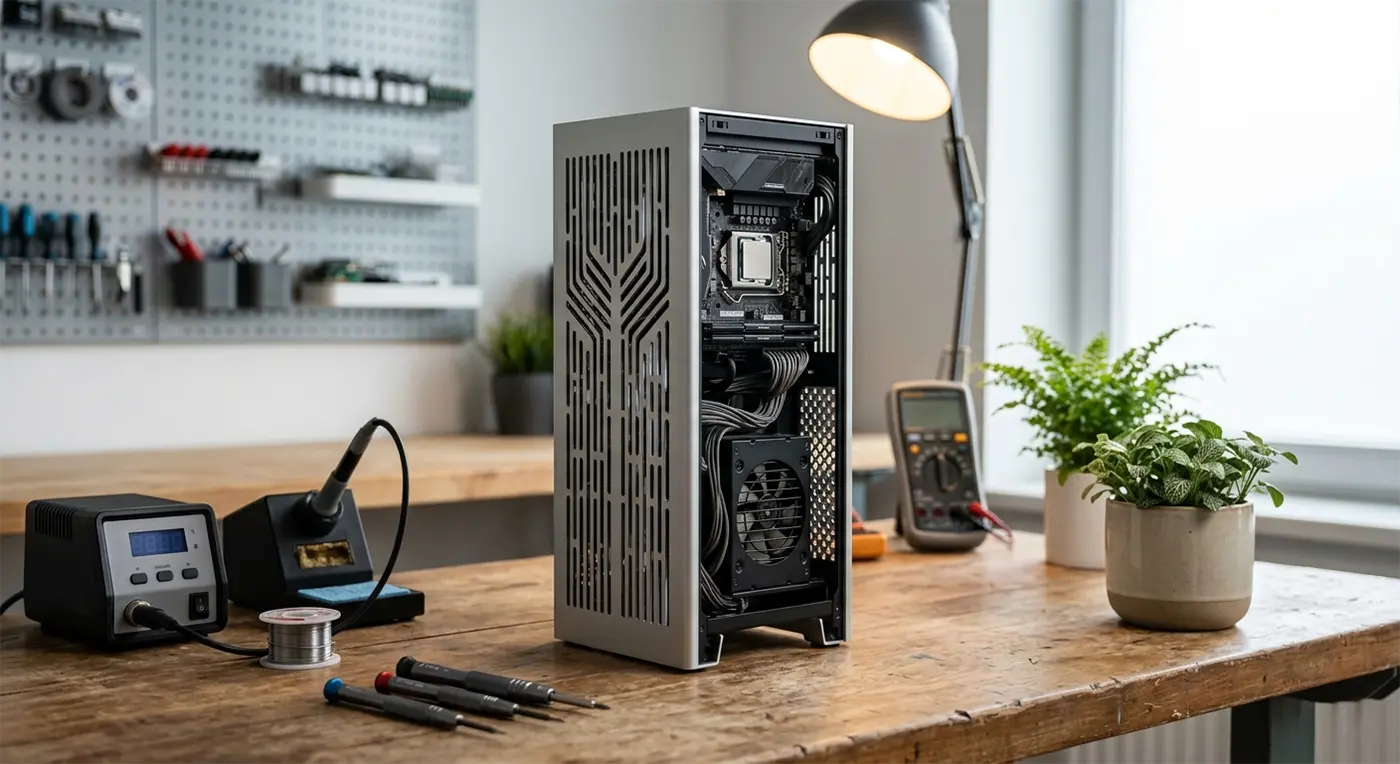
For this build, we went with the taller version of the Kolink Rocket Complex MINI-ITX. Partly because of its clever thermal design, and partly because it seemed only right to reflect the height difference between father and son! 🤣
So, here’s a behind-the-scenes look at how we turned a very small case into a surprisingly capable custom PC build.
Building Big Performance Into a Small Space
Small-form-factor (SFF) PC builds are all about making clever use of every millimetre.
There’s less room to work with, components need to be carefully selected and cable management becomes considerably more important. Get it right, though, and you can have a powerful PC that takes up remarkably little space.
For this project, the Kolink Rocket Complex was a great fit. Its compact footprint and premium aluminium design give it a refined appearance that works particularly well in a home media setup.
1. Choosing the Right Chassis
With a compact build, the case isn’t simply something the components go into — it plays a major part in how the whole system performs.
The Rocket Complex provides a small footprint while incorporating extensive ventilation, giving the components the airflow they need without compromising the clean appearance of the finished PC.
2. The Art of Cable Management
This is where compact PC building gets interesting.
Inside a standard desktop tower, there’s usually plenty of room to hide cables. Inside a Mini-ITX case, every cable has somewhere it needs to go.
The Rocket Complex required careful planning and precise cable routing to keep everything tidy and minimise unnecessary obstruction around the components and airflow paths.
It’s one of those jobs that isn’t particularly glamorous — but it makes a huge difference to the finished build.
3. Smart Cooling & Airflow
One of the biggest considerations when building a small PC is heat.
A smaller enclosure doesn’t necessarily mean a hotter computer, but it does mean that airflow and component selection need to be considered carefully from the start.
The Rocket Complex’s ventilated panels and compact internal layout were designed with airflow in mind, while the components selected for this build provide a good balance between performance, efficiency and heat output.
The result is a compact system designed to quietly get on with its job rather than demanding attention from across the room.
It was a ton of fun building this awesome machine, and a huge thank you to my client for trusting me with another project. I really appreciate it!
💡 Did You Know?
There’s a bit of physics hiding inside a vertical PC!
The Kolink Rocket Complex‘s tall tower design makes us think of something called the Chimney Effect, or stack effect. Warm air naturally rises because it is less dense than cooler air, creating an upward movement of air.
In a PC, good airflow is a combination of natural convection, ventilation and carefully positioned fans. The Rocket Complex’s vertical design and extensive ventilation help make clever use of the space — while its fans do the hard work of keeping air moving.
Pretty cool, right? 🤓
4. Built With Reliability in Mind
At Bluesdigital, we don’t believe a custom PC should simply look good on the day it leaves the workshop.
The components need to work well together, the system needs to be properly tested and the build needs to make sense for how the customer is actually going to use it.
For this project, we paired the AMD Ryzen 5 3400G and Nvidia GeForce RTX 3050 with 32GB of RAM, fast NVMe storage and a Corsair SF750 80+ Platinum power supply.
That’s a serious power supply for such a small machine — but reliable, efficient power delivery is an area where cutting corners will come back to haunt you.
The Build Specifications
Case: Kolink Rocket Complex MINI-ITX
Processor: AMD Ryzen 5 3400G
Graphics: Nvidia GeForce RTX 3050
Motherboard: Gigabyte A520 I-AC Mini-ITX
Memory: 32GB Gigastone DDR4 RAM
Storage: 2TB Crucial P310 NVMe SSD
Power Supply: Corsair SF750 (80+ Platinum)
Why Go for a Custom PC Build?
Buying an off-the-shelf computer can certainly be convenient, but it often means accepting whatever combination of components, case and specifications the manufacturer has chosen.
A custom PC gives you the opportunity to build around what you actually need.
For this project, that meant creating a compact system that could deliver plenty of performance without taking over the room.
With a Bluesdigital custom PC build, we can consider:
Performance: Components selected around how you intend to use the PC.
Space: From compact Mini-ITX systems to larger desktop builds, the physical footprint matters.
Cable Management: Careful routing helps keep the interior tidy and airflow paths clear.
Future Upgrades: Components can be selected with potential upgrades and longevity in mind.
Testing: The completed system is checked before it leaves our workbench.
They can be more restrictive than a larger desktop because there is simply less physical space inside the case.
However, a carefully planned Mini-ITX build can still allow for upgrades to components such as memory, storage and graphics, depending on the specific case and motherboard.
That’s why planning the build around both your current needs and potential future requirements is important.
Do small PCs overheat easily?
Not necessarily.
Good airflow, sensible component selection and careful assembly are particularly important in a compact PC. A well-designed small-form-factor system can manage heat very effectively.
The key is to design the whole system as a package rather than simply trying to squeeze powerful components into the smallest possible box.
Looking for a Custom PC Build in Newtown or Mid Wales?
Whether you’re after a compact Media PC, a gaming machine, a workstation or something completely bespoke, Bluesdigital can design and build a PC around your requirements.
We’re based in Newtown, Powys, and work with customers across Mid Wales.
If you’ve got an idea for your next PC build — even if you’re not quite sure what’s possible — pop into the shop or get in touch with Bluesdigital and let’s talk about it.
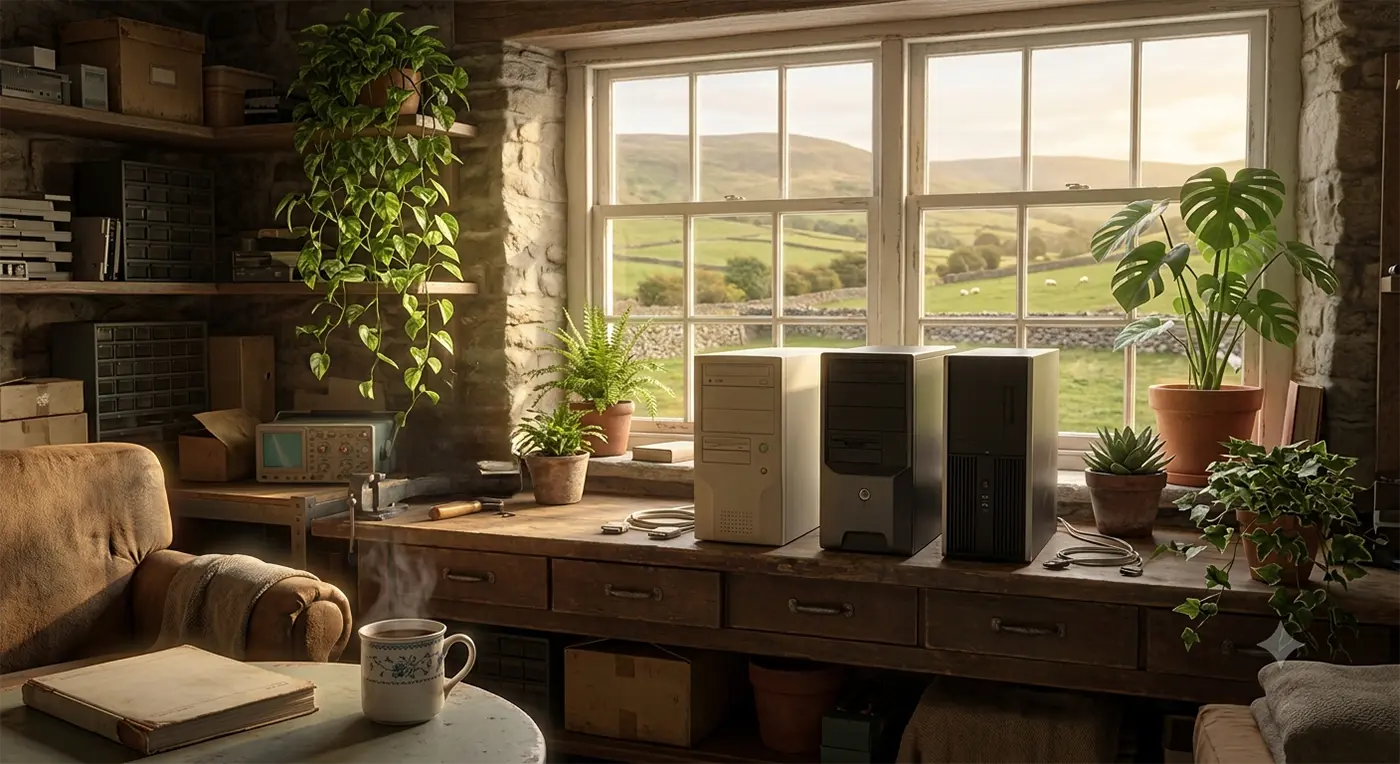
This trusty Zoostorm desktop came back through our doors this week for its second-ever service. We originally sold this machine back in 2015, and here it is 11 years later, still doing exactly what it was built to do.
It’s always nice to see a familiar computer return for routine PC service and upgrades rather than because something has gone seriously wrong.
The Service History
2015: Sold fresh out of the shop.
2020: Back for its first service. We replaced the original mechanical hard drive with a fast SSD. This gives the PC a huge performance boost and a fresh lease of life.
2026: Back on the bench for service number two.
What did it need this time?
Honestly… not very much!
Just a gentle clean to remove a little dust, a tidy-up of the operating system, and the latest software updates. After a full set of health checks, everything passed with flying colours.
It’s now packed up and ready to head home for many more years of reliable service.
The Takeaway: You’re Doing More Than Just Fixing a PC
When you bring your computer in for PC service and upgrades, you’re not just improving its performance—you’re making a positive difference in a few surprising ways.
As the Right to Repair movement gathers momentum, more people are choosing to repair and upgrade their existing computers instead of replacing them. Keeping a desktop running happily for 11 years is a brilliant example of making technology last longer instead of becoming unnecessary waste.
By choosing PC service and upgrades instead of replacing your computer, you’re helping avoid the environmental impact of manufacturing a brand-new machine while making the most of the one you already own.
3. You’re Saving Money
Buying a new desktop or laptop every few years soon adds up.
Often, an SSD upgrade, extra memory, or a professional service can make an older computer feel dramatically quicker and more responsive for a fraction of the cost of buying a new PC.
A well-built desktop doesn’t have to be replaced every few years. Whether it’s a thorough clean, a storage upgrade, extra memory, or routine maintenance, a little care can add years to the life of your PC.
Frequently Asked Questions
How long should a good desktop PC last?
With sensible maintenance and occasional PC service and upgrades, a quality desktop can easily last 7–10 years or even longer. One of the biggest advantages of desktop PCs is that they’re designed to be opened, cleaned, repaired, and upgraded as your needs change.
Is my old computer worth servicing or upgrading?
In many cases, absolutely!
Even as software becomes more demanding, you don’t necessarily need to replace your computer. An SSD upgrade, extra memory, or a professional system clean can transform performance for a fraction of the cost of buying a new PC.
How often should a desktop PC be serviced?
We generally recommend a professional PC service every two to three years. Removing built-up dust, checking hardware health, installing updates, and carrying out preventative maintenance helps keep temperatures down, fans quieter, and performance at their best.
In a world where we’re often encouraged to replace everything, it’s nice to be reminded that sometimes the best upgrade is simply looking after what you’ve already got.
Whether it’s a professional clean, an SSD upgrade, extra memory, or routinePC service and upgrades, keeping a trusted computer running for another few years is good for your wallet, good for the environment, and often all you need.
We’re always proud when computers we supplied over a decade ago come back through our doors still going strong. It’s a reminder that quality hardware, looked after properly, really can stand the test of time.
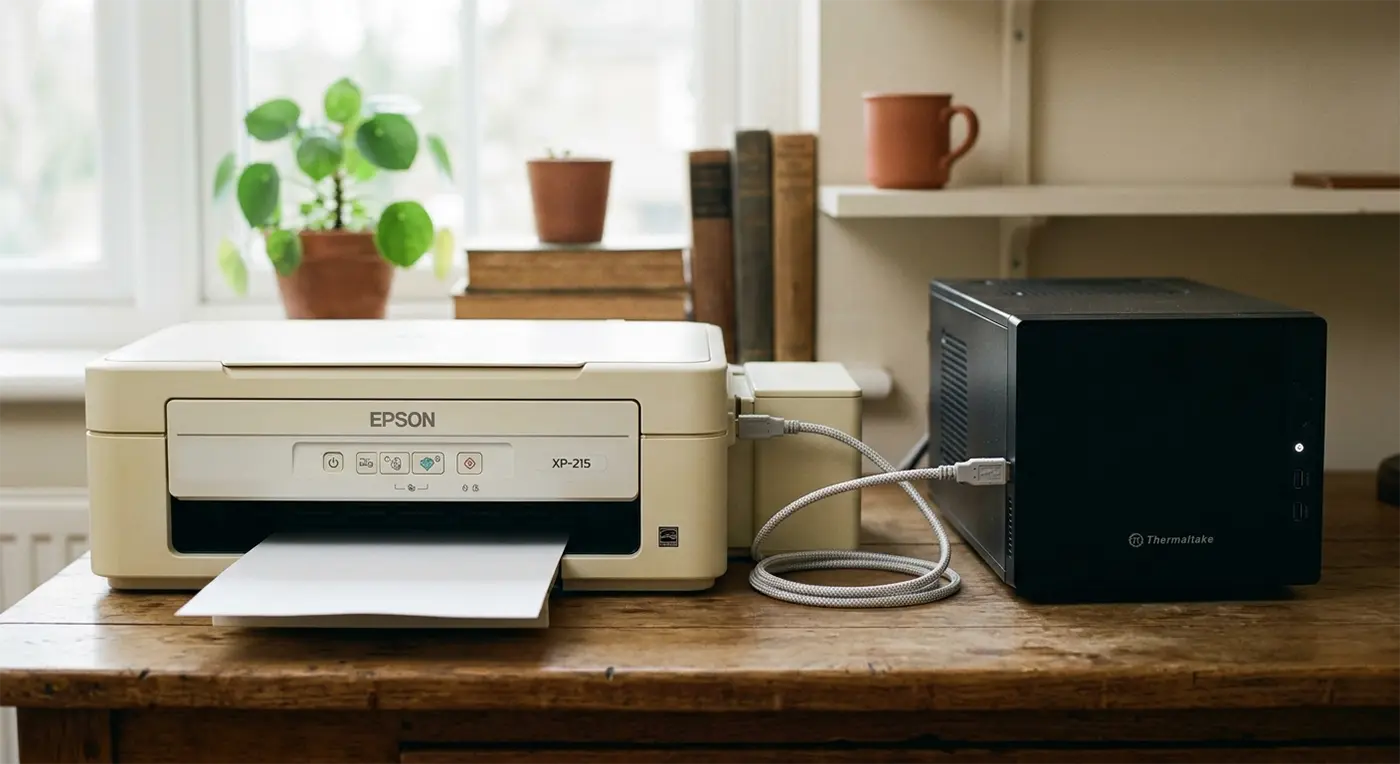
Oh no, a relationship drama at Bluesdigital involving a Thermaltake PC and an Epson XP-215 printer that had completely stopped talking to each other. It had turned into a classic case of printer not connecting to a computer, leaving plenty of frustration behind. After a little expert attention, they were happily communicating again and ready to head back home together.
If your printer isn’t connecting to your computer, won’t respond when you hit print, or you’re struggling with printer setup, don’t worry—we’re here to help. At Bluesdigital, our Tech Marriage Guidance service is always open!
Helping people solve printer connection problems in Newtown and across Mid Wales is all part of the day job here at Bluesdigital.
💔😒
👂
😘❤️
Quick Tips (If You Fancy Giving It a Go First!) 🛠️
No pressure at all—we’re always happy to sort it for you. But if you’d like to try a couple of quick checks at home first, these often do the trick:
Restart Both Devices: Turn off both the PC and printer, wait around 30 seconds, then switch them back on. It’s amazing how often this resolves communication problems.
Check Your Connections: If you’re using a USB cable, make sure it’s firmly connected. If your printer is wireless, check that both devices are connected to the same Wi-Fi network.
Clear the Print Queue: A stuck print job can stop everything else. Open the printer queue on your PC and remove any documents that are waiting.
Not keen on troubleshooting? No problem at all—bring them in and we’ll get them speaking to each other again.
Frequently Asked Questions
Q: Do I need to try fixing it myself before bringing it in?
A: Not at all. Whether you’ve tried every suggestion online or haven’t touched a single cable, you’re welcome to bring everything straight to us.
A: It happens more often than you’d think. Windows updates, Wi-Fi changes, printer settings, or even a stuck print queue can suddenly interrupt communication between your computer and printer.
Q: Should I bring both the PC and the printer?
A: If they’re refusing to communicate, bringing both lets us test everything together and make sure they’re working perfectly before they head back home.
If your laptop is currently sounding more like a hairdryer than a computer, it’s probably feeling the heat!
With temperatures creeping up, it’s no surprise people are searching for how to stop a laptop overheating. Your tech has to work much harder in warmer weather, and if the cooling fan is doing your head in, your laptop is probably crying out for a bit of breathing room.
Here are our best tips for keeping your tech running sweet:
Flat & Firm
Try to keep your laptop on a hard, flat surface. Soft furnishings like beds or sofas block the vents, trapping heat and making it much harder for your laptop to stay cool.
Share the Breeze
Consider directing a desk fan towards your machine—it’ll definitely appreciate the extra airflow!
Put Some “Heels” On
Stick-on rubber feet applied to the bottom of your laptop raise it just enough to improve airflow underneath.
A Quick Spring Clean
Use short bursts of compressed air to clear dust from the vents. If you’re using a vacuum, keep it to the outside of the vents and avoid touching internal components. For a more thorough clean, removing the bottom cover allows you to clear out the dust that builds up inside.
Don’t Forget Your Desktop PC! 🖥️
These tips apply to desktop PCs too. A careful clean with compressed air and a gentle vacuum around the case vents (taking care to avoid static) is well worth doing once a year to help keep everything running cool.
Still Running Hot?
If your laptop or desktop is overheating, running slowly or sounding louder than usual, pop into Bluesdigital or get in touch. We’ll be happy to take a look.
A: When the room gets warm, your laptop has to work harder to get rid of heat. The fan spins faster (and louder) to keep the processor and other components cool. If it sounds like a jet engine, it’s usually a sign your laptop needs better airflow, a clean, or both.
Q: Can I use a vacuum cleaner to clean my computer vents?
A: Yes—but only for a gentle clean of the external vents. Avoid using a vacuum inside the computer, as static electricity can potentially damage sensitive components. For internal cleaning, short bursts of compressed air are the safer option.
Q: Is it safe to use my laptop on my lap or bed in the summer?
A: It’s best to avoid it, especially in warm weather. Soft surfaces such as blankets, sofas or beds can block the cooling vents underneath, trapping heat inside. A firm, flat surface like a desk or tray allows air to circulate much more effectively.
Q: How do I know if my computer is actually overheating?
A: Common signs include the fan running constantly, the computer becoming unusually hot to the touch, slowing down, freezing, or unexpectedly shutting itself down. That automatic shutdown is a built-in safety feature designed to help prevent damage from excessive heat.
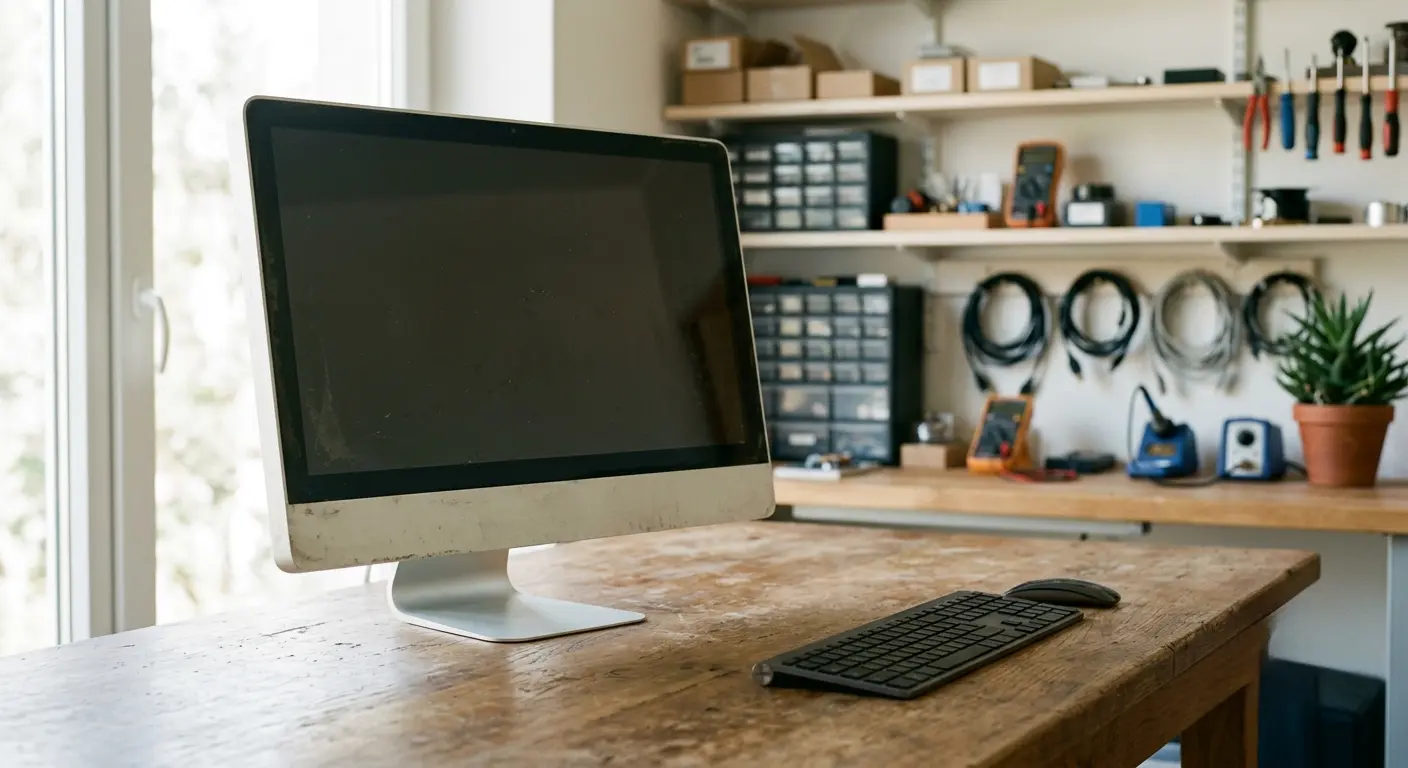
Every computer has a story. This Apple iMac Core 2 Duo 20-inch ( Mid-2007- MA876LL – A1224 – 2133 ) has quite a story to tell. After nearly 19 years of faithfully looking after its owner’s digital life, this trusty old iMac has finally powered down for the last time. Its display had been borderline illegible for quite some time, and now the hard drive has finally failed for good. Originally released in 2007 with a 2.0GHz Intel Core 2 Duo processor, this iMac quietly witnessed almost two decades of technological change while continuing to do exactly what it was built to do. While it isn’t economically viable to bring it back to life, there’s something special about a machine that has lasted this long. It serves as a reminder that not all technology is built to be disposable.
If your own computer is starting to slow down, don’t wait for a total breakdown. Many ageing machines can still be upgraded or repaired before disaster strikes, and we’re always happy to offer advice on whether a repair is worthwhile. If you’d like extra peace of mind, take a look at our Data Recovery & Backup Services to secure your files, or browse our latest Refurbished Computers if it’s time for an upgrade.
A Computer That Stood the Test of Time
It’s rare for any piece of modern technology to remain in daily use for nearly two decades. This old iMac quietly lived through enormous changes in technology—from the rise of smartphones and social media to cloud computing, HD streaming, fibre broadband and, more recently, artificial intelligence. Through every change, it simply carried on doing what it was built to do.
Although its hard drive has finally given up the ghost, we’re left with a real appreciation for the engineering behind it. Machines like this helped build Apple’s reputation for reliability and thoughtful design.
If you’re wondering whether an older Mac or PC is still worth repairing or upgrading, we’re always happy to give straightforward advice based on what’s best for you—not simply the age of the machine. Call us on landline 01686 610106, mobile 0783 222 7823, or email shop@bluesdigital.com.
Frequently Asked Questions
Is it worth repairing a computer that is over 10 years old?
It depends on the fault, the availability of replacement parts and what you use the computer for. While some older machines can still be upgraded successfully, others become uneconomical to repair, particularly when parts are difficult to source or the hardware can no longer support modern, secure operating systems. You can read more about how legacy devices are classified on the official Apple Support Vintage Page.
How long should an Apple iMac last?
Most iMacs provide around 7–10 years of reliable service with proper care. Some continue working well beyond that, especially if they’re well maintained and upgraded where possible. This Mid-2007 iMac exceeded expectations by remaining in regular use for nearly 19 years.
Can you recover data from a dead hard drive?
In many cases, yes. Even if a computer no longer powers on, the data stored on its hard drive can often still be recovered. The sooner a failing drive is stopped from being used, the better the chances of a successful recovery. If you’re concerned about important files, get in touch at shop@bluesdigital.com and we’ll be happy to assess the drive.
Where can I find you to discuss an upgrade?
You’re welcome to visit us at Frolic House, located right between Newtown Medical Practice and the Newtown Driving Test Centre. Whether you’re considering a repair, an upgrade or a replacement computer, we’re always happy to help.
Landline: 01686 610106
Mobile: 0783 222 7823
Email: shop@bluesdigital.com
And as for our faithful old Mid-2007 iMac? It may never boot again, but after nearly 19 years of loyal service, it has certainly earned its retirement. It’s a reminder that great engineering, regular care and a little attention can keep a computer running far longer than most people imagine.
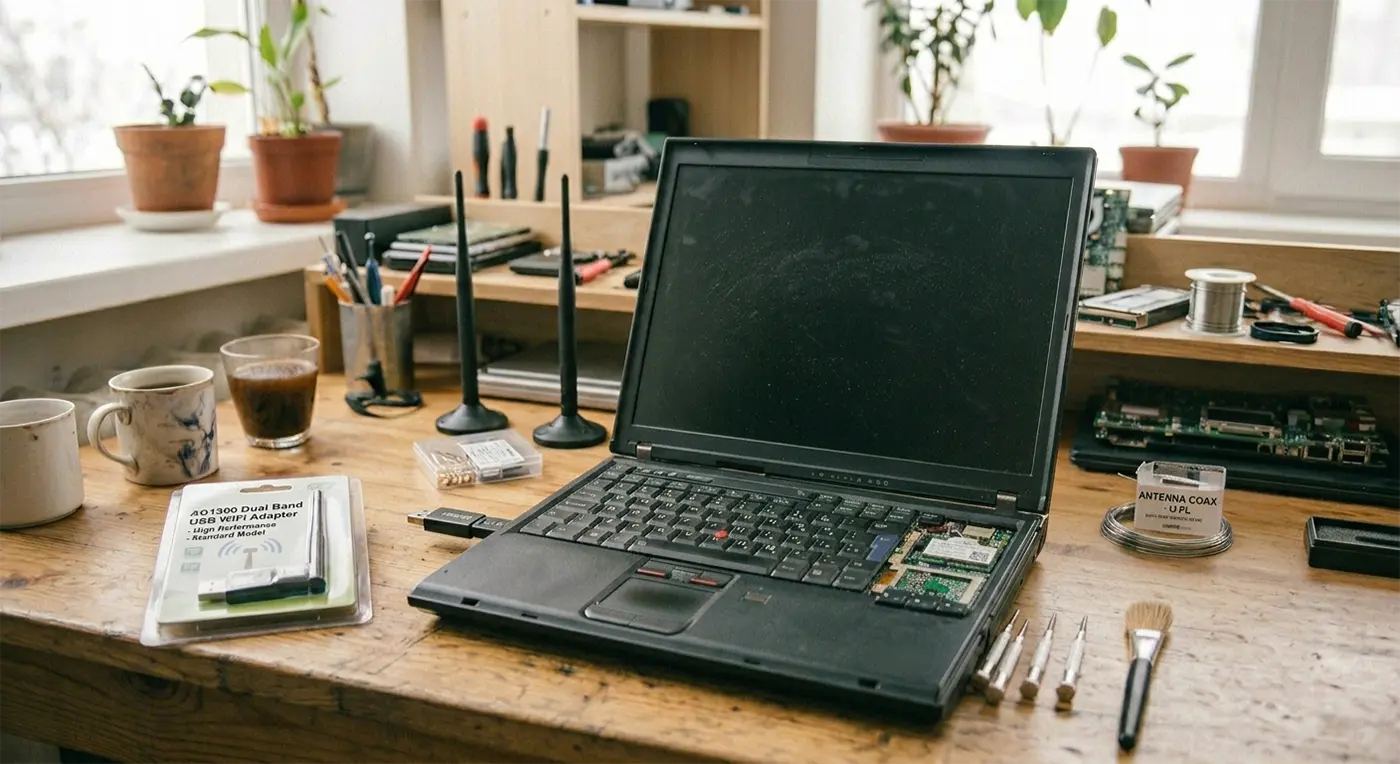
It was a fairly typical morning in the workshop when a customer brought in a laptop that had suddenly stopped behaving properly. Their main concern was that the laptop lost WiFi connection completely, and once we powered it up, we also found the keyboard and touchpad were unresponsive.
At first glance, it looks like a serious hardware failure. However, issues like this are becoming increasingly common on older laptops—and in many cases, the fix is far simpler than expected.
A quick driver reset, a couple of reboots, and everything was working again.
In this case, the issue appeared to be caused by a recent Windows update.
We’re seeing this more often, particularly on older laptops running Windows 11—especially machines that were upgraded using workarounds or registry tweaks rather than being officially supported.
These systems often run fine day to day, but major updates can expose driver compatibility issues.
Why Older Laptops Are More Affected
As Windows 11 develops, older hardware is gradually losing driver support.
When manufacturers stop updating drivers, Windows updates can cause instability or break functionality entirely. This can lead to problems such as:
WiFi not working or disappearing
Keyboard and touchpad not responding
Devices missing from the system
While this can look serious, it doesn’t usually mean the laptop is beyond repair.
Simple Fixes That Often Work
Before replacing a laptop, there are a few quick and cost-effective fixes worth trying.
Driver reset and reboot
In many cases, resetting the affected drivers and restarting the device restores full functionality.
Upgrade the WiFi card
If the internal WiFi adapter is no longer supported, replacing it with a newer compatible card can resolve ongoing connectivity issues.
USB WiFi adapter
A simple USB WiFi adapter can bypass internal hardware issues entirely and restore internet access instantly.
Keeping Older Laptops Running
Many older laptops still have plenty of life left in them. With the right repair or small upgrade, they can continue to handle everyday tasks like browsing, email, and office work without issue.
It’s often more cost-effective to repair or upgrade than to replace the entire machine.
Need Laptop Repair in Newtown or Mid Wales?
If all of a sudden your laptop has lost WiFi, stopped recognising the keyboard or touchpad, or started behaving strangely after a Windows update, don’t assume it’s beyond repair. We regularly help customers across Newtown, Powys and Mid Wales diagnose and fix these issues, often without the need for full replacement.
Sometimes the solution is straightforward, and even when parts are needed, there are usually affordable options available. If you’re unsure what’s gone wrong, get in touch or drop into our Frolic Street computer repair shop—we’ll take a look and advise on the most sensible way forward.
When providing IT support Newtown residents can rely on, we’ve learned that even simple tech jobs can take an unexpected turn.
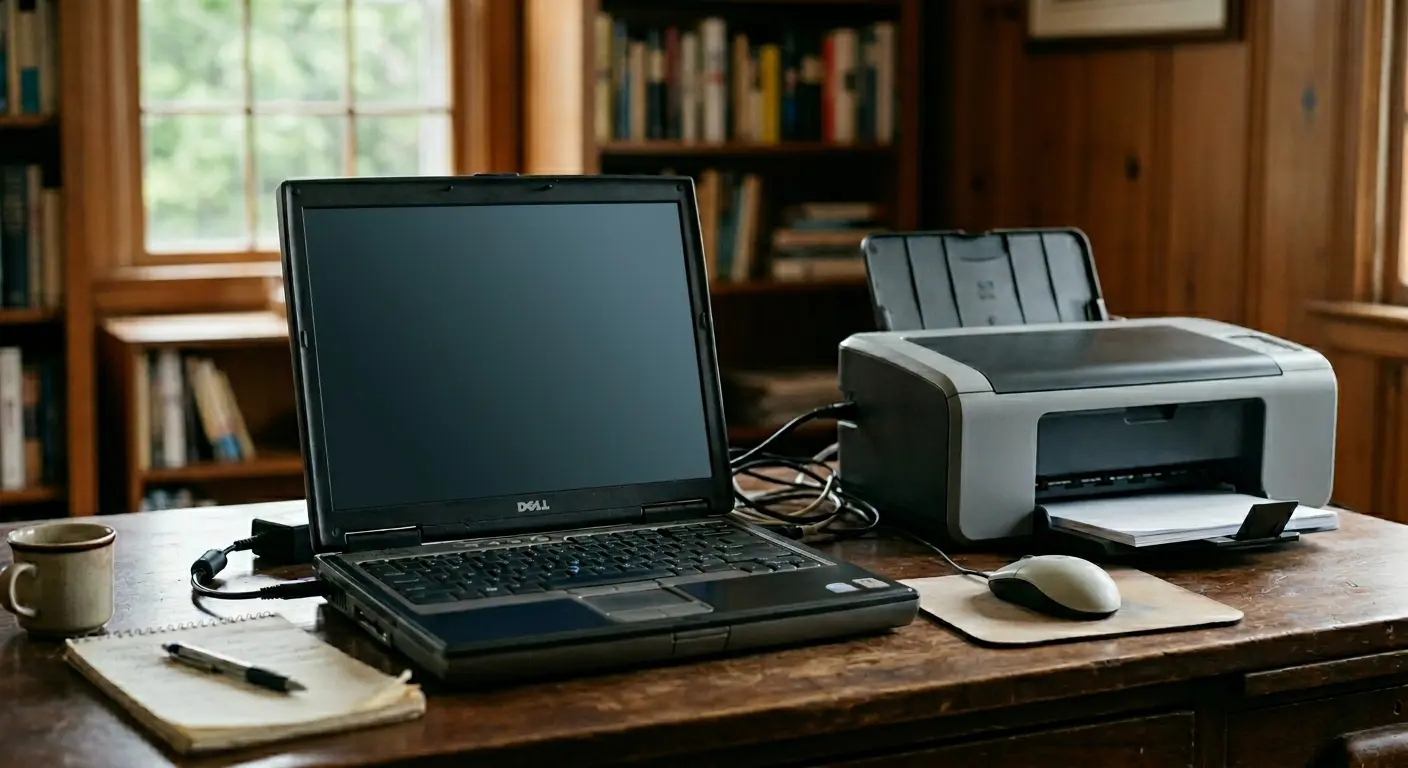
Recently, a client’s son was visiting from Australia. He wanted to help his dad set up a new printer on an ageing Dell laptop. It should have been a quick and straightforward task.
Unfortunately, the old machine had other ideas. During the installation process, it encountered a blue-screen error. When restarted, it requested an administrator password that hadn’t been used in years.
What began as a simple printer installation had suddenly become a much bigger challenge.
Securing the Data and Finding a Better Solution
Our first priority was protecting what mattered most. This included years of personal files and a much-loved collection of country music.
Rather than spending time and money trying to repair an outdated system, we recommended a more practical solution. The laptop was already showing its age, so a replacement made more sense.
Data Recovery
We carefully removed the hard drive from the old Dell laptop. Every file was recovered successfully. No documents, photographs or music tracks were lost.
The New Setup
Everything was transferred to a high-quality refurbished Lenovo laptop. It was ready to use straight away.
The Benefits
The refurbished laptop offered a larger and clearer display. A fast SSD meant quicker start-ups and better everyday performance. The improved speakers also made that treasured country music collection sound even better.
A Great Outcome
Everything was recovered successfully. Dad now has a faster and more reliable computer. His music sounds better than ever. His son was able to enjoy the rest of his visit knowing everything had been sorted. It was a great result for everyone involved.
Reliable IT Support in Newtown
If your computer is starting to struggle, you don’t have to deal with it alone. The same applies if you’ve forgotten old login details or a routine upgrade has become more complicated than expected.
Bluesdigital provides friendly and straightforward IT support that Newtown residents and businesses can depend on. Whether you need data recovery, help setting up a replacement device, or support with an unexpected technical issue, we’re here to help.
If you’d like advice or assistance with your computer, get in touch 🙂