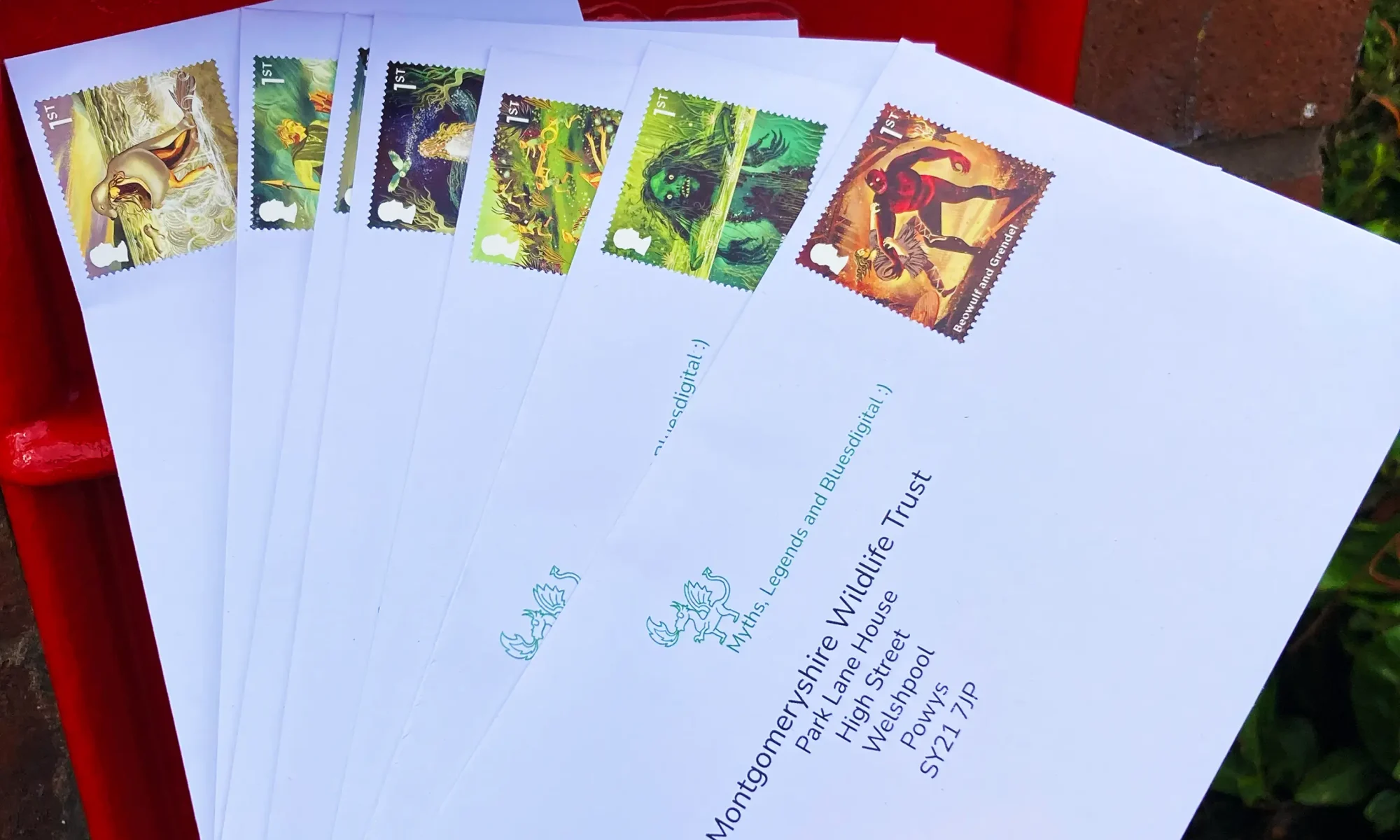
Here at Bluesdigital, we love doing things a little differently. This September, we started a small, whimsical project: reaching out to local businesses with an old-fashioned letter, delivered right through the door.
What makes these letters extra special? The stamps! We adore the unique stamp collections from Royal Mail, and we’re sending each letter with a carefully chosen stamp. The very first batch, sent out on the 5th of September, featured the mythical creature stamps — and they looked absolutely magical. If you were lucky enough to receive one, we hope it brightened your day just a little.
We wish we could include these beautiful stamps on every letter we send, but for now, only a handful of businesses are chosen at random.
If your letter didn’t have the special stamp, don’t worry — there’s always next time! Or, if you’re feeling cheeky, pop in to see us and maybe we can make an excuse for a fancy stamp… perhaps on an invoice letter, 🐒
Here at Bluesdigital, we get genuine satisfaction from bringing a refurbished machine like the Dell OptiPlex back to life. There’s something special about seeing a once-corporate workhorse transformed into a creative tool, ready to be appreciated all over again.
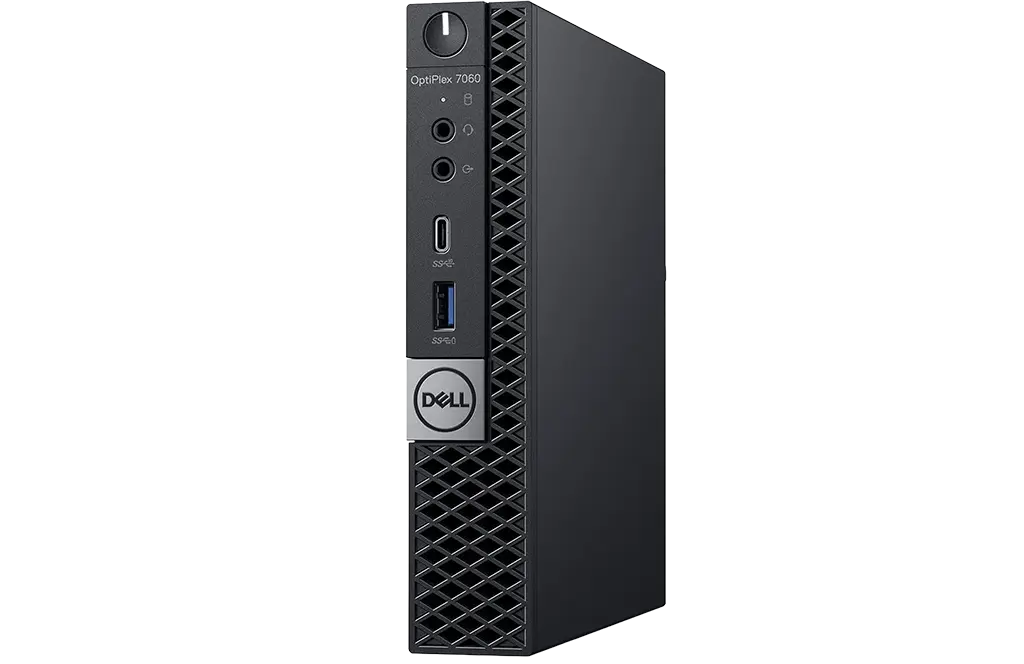
We’ve been really enjoying getting to know this cool little PC — the Dell OptiPlex 7060 MFF. It’s one of those machines that just gets on with it. It is compact, quiet, and efficient. Yet, it is full of power when you need it. It is the kind of kit that fits seamlessly into any space. It makes you wonder why computers ever needed to be any bigger.
When we say “small but mighty,” we mean it. The Dell OptiPlex 7060 Micro Form Factor (MFF) is quietly confident — efficient, powerful, and perfectly sized to fit anywhere. It’s literally small enough to sit in the palm of your hand, yet built to handle serious work.
A New Home for a Business-Class Powerhouse
Originally designed for business-class computing, this compact machine has been fully refurbished. It is now ready to take on creative projects and everyday multitasking with ease. Whether you’re editing in Photoshop, managing multiple apps, or running dual monitors, it handles it all. It does so without the noise or bulk of a full-sized desktop.
Power your way through your working day — without some beast growling away under your desk.
Specs at a Glance
Processor: Intel Core i5-8500T CPU (compact power and reliability) Memory: 16GB RAM (upgradeable to 64GB) Storage: 256GB NVMe SSD (upgradeable to 4TB+) Display: Supports dual monitors with ease Size: 182mm x 36mm x 178mm — fits in the palm of your hand Operating System: Windows 11 Pro Warranty: Full 12-month warranty
Price: £350.00
Ready for Its Next Chapter
We’re looking forward to seeing who gets to take this PC home. Get in touch if you’d like it to be you.
Buying a new computer isn’t the only way to get reliable, high-performance tech. Our refurbished laptops and PCs are carefully restored, fully tested, and come with a 12-month warranty, so you can be sure you’re getting both quality and peace of mind.
A Smarter Choice for Your Budget
Refurbished computers deliver the same dependability you’d expect from brand-new machines, but at a fraction of the price. Whether you’re looking for a work-ready laptop, a study companion, or a dependable home PC, we’ve got options to fit your needs without stretching your budget.
Good for You, Good for the Planet 🌱
Every computer we refurbish and rehome helps reduce electronic waste. By giving great machines a second life, we’re all doing our part for a more sustainable future. Choosing refurbished is more than just a purchase — it’s a positive step towards lowering the environmental impact of technology.
What You Can Expect
Fully tested and restored laptops and PCs
Genuine Windows installed
A 12-month warranty included with every machine
Friendly support whenever you need it
Explore Our Collection
Our refurbished computer listings are always changing, with different models becoming available regularly. If you’re looking for something specific, let us know your requirements and we’ll happily help you source one that suits you perfectly.
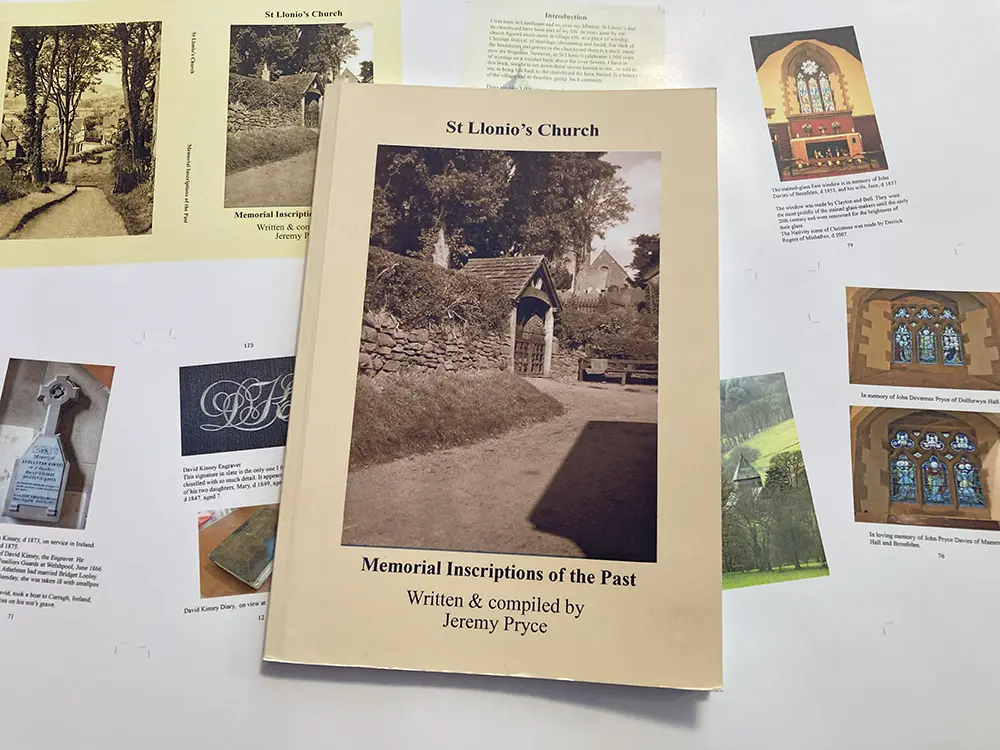
We’re delighted to share that ‘Memorial Inscriptions of the Past‘, written and compiled by local historian Jeremy Pryce, is once again available as a reprint.
Originally published in 2020, this book captures the history and stories found within the memorials of St Lonio’s Church. It’s a fascinating read for anyone with an interest in local heritage or family history. It also appeals to those interested in simply preserving the voices of the past.
Jeremy has created a number of wonderful books over the years. This latest reprint is a welcome addition to his growing collection.
At Bluesdigital, we’re proud to have worked with Jeremy on bringing this project back to life. We’re already looking forward to the next one!
✨ Have a book, poetry collection, or personal project you’d love to preserve or see in print?
From our professional book scanning service and high-resolution digitising to layout, printing, and perfect binding, we help turn manuscripts, poetry, memoirs, and family histories into finished books — or safely preserve them for the future.
At Bluesdigital, we’re excited to share some big updates about our hosting services and the values driving our business forward.
Running on Good Energy
We’re proud to say our server host offsets 100% of its electricity usage through renewable energy credits. By tapping into solar, wind, and hydropower, we’re keeping our hosting fast, reliable, and lighter on the planet.
Doing Our Bit
Sustainability goes beyond just powering servers. Our hosting partner has rolled out carbon reduction programs that cut greenhouse gas emissions. They’ve also been recognized for initiatives like tree planting and support for environmental charities—steps that help all of us share in a healthier future.
We also understand that renewable energy isn’t without its challenges, and not everyone agrees on the best way forward. Different approaches come with different trade-offs, and the transition isn’t always smooth. For us at Bluesdigital, doing our part means making practical choices that balance performance, reliability, and responsibility—so our clients can benefit today while we build toward a stronger tomorrow.
Growing Together
Our client base is always growing—from full-scale e-commerce operations to local tradespeople who rely on fast, reliable services. To keep pace, we’ve invested in infrastructure that ensures:
Lightning-fast response times for websites and email
Consistent uptime and reliability
Top-tier data services for our local community
This investment means your online presence stays smooth, secure, and ready for what’s ahead.
Under the Hood
For our tech-savvy friends, here’s what’s powering Bluesdigital hosting:
32 CPU Cores
32GB RAM
Cutting-edge NVMe storage for blazing fast speeds
Imunify360 security providing industry-leading protection for websites, servers, and email
These specs put our servers among the fastest in the business—performance you can feel with peace of mind built in.
A Word of Thanks 💙
No upgrade comes without a few bumps along the way. We want to thank our amazing clients for their patience and support as we ironed out the wrinkles. Your trust allows us to keep improving, and we are enormously appreciative of that.
Here’s to faster, greener, and more secure hosting—today and into the future.
Way back in 2008, one of our long-time customers came to Bluesdigital looking for a business PC that lasts. His only requests? Something reliable enough to handle his work — and lights that made it look the part.
Fast forward 16 years later, and that same machine was still powering his business. We only saw it a handful of times in all those years, for a couple of services and a hard drive replacement. That’s how tough our systems are built.
But with new software needing Windows 11 compatibility, it was finally time for an upgrade. Instead of going anywhere else, he picked up one of our Premium Refurbished PCs. These aren’t your standard refurbs — they come with a 5-year warranty, rock-solid performance, and the best local support around.
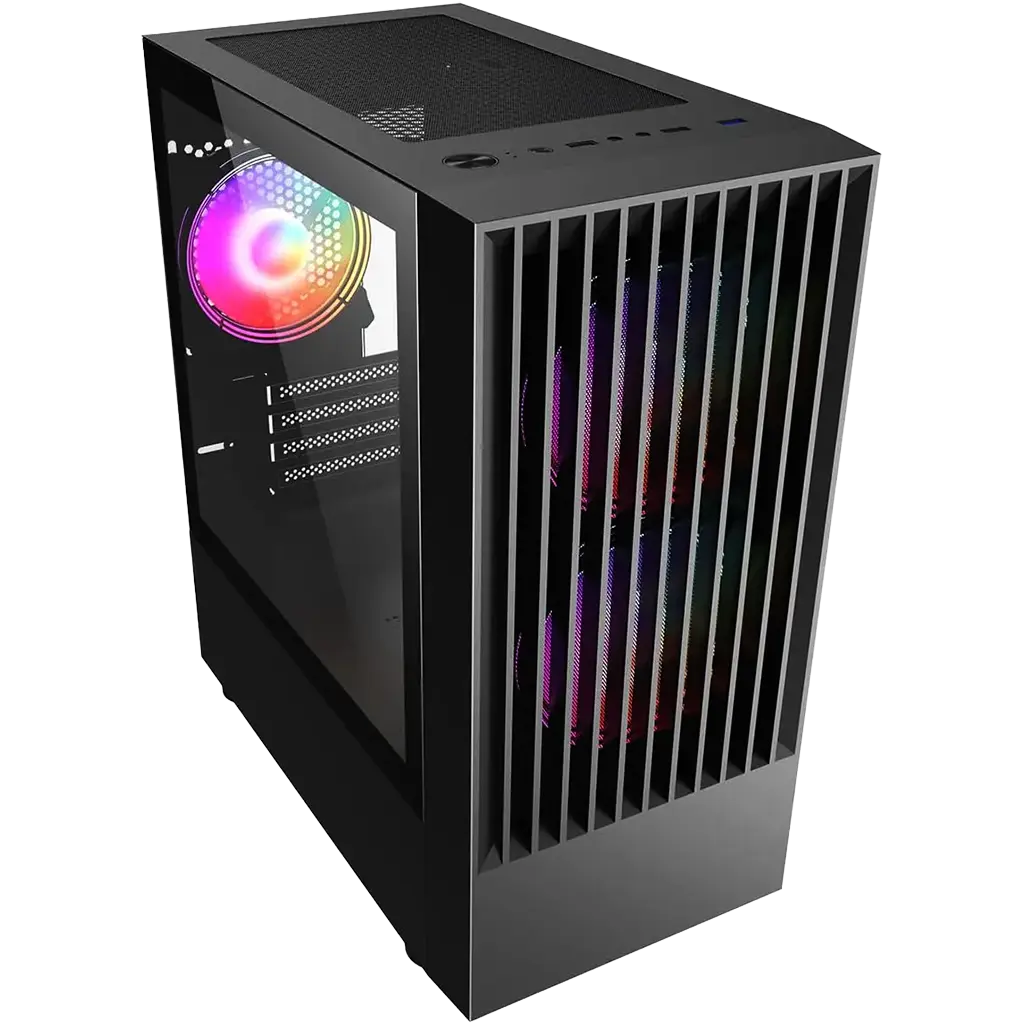
He loved the new machine so much (yep, prettier lights included) that he also ordered our Hand-Built PC’s Ych Brych, so we have had a great time getting everything just right. We’ll be setting it up for him on-site tonight, moving over all his data so his workday doesn’t skip a beat.
This is why we love what we do. When we say our systems last — we mean it. And when it’s time to move forward, we’re right there to help.
Built to endure. Inspired by myth. Crafted for you.
Not every computer is for everyone — and we understand that.
Some people need something affordable and ready right now. Others need a quick repair to keep their current machine going. That makes sense — and it’s why we continue to fix and support a wide range of systems. In fact, we enjoy helping you find the solution that suits you best.
But when it comes to the computers we build, we take a different path. Every system that leaves our workshop is designed with one question in mind: will it still serve you years from now?
That’s why we choose components that stretch beyond warranties. That’s why we design against the flaws we’ve seen in countless repairs. That’s why our machines — Twrch Trwyth and Ych Brych — carry not just mythic names, but the promise of endurance.
We don’t measure success by how many units we sell, but by how long each machine remains a trusted companion.
If you’re looking for something built to endure, not just to exist — you’re in the right place.
Quick shout out to the fantastic volunteers & all the local companies that help to run Newtown Food Surplus, an amazing initiative focused on Feeding Bellies Not Bins. They could do with as much help as possible to continue helping so many people, so any time you can spare would be REALLY appreciated, or a few quid via DONATIONwould help to keep the lights (& Freezers) on. https://donorbox.org/newtown-food-surplus
Take a look at all the great work they do in & around the Newtown/Powys area.
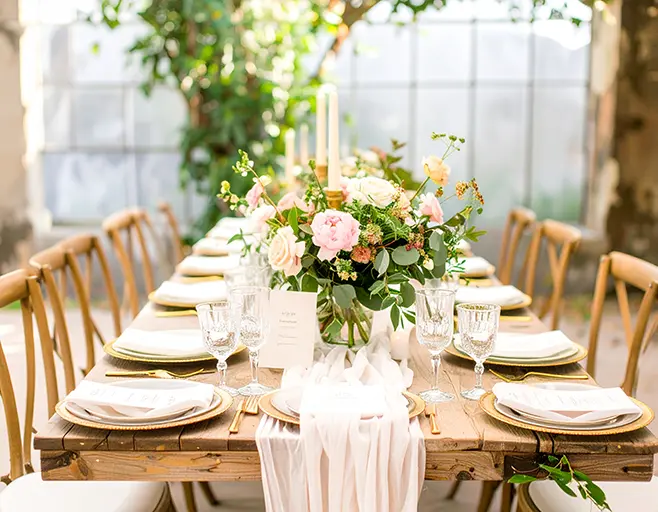
It’s been a busy one here at Bluesdigital HQ! This week has been filled with all things wedding—beautiful A2 seating plans, elegant table names, and stylish signage as part of our wedding printing services.
A huge congratulations to Anneli & Patrick and Lauren & Sam as they prepare for this weekend’s celebrations. It’s always a privilege to play even a small part in such a special day, and we love seeing your visions come to life in print.
From place cards to table plans, food menus to wedding invitations, we pride ourselves on delivering exactly what you need—often with tight deadlines—without ever compromising on quality.
Whether it’s Save The Date cards, RSVPs, thank you cards, or bespoke wedding stationery suites, we offer a wide range of the finest materials to give your big day that extra touch of elegance.
Because when it comes to weddings, the details matter—and we’re here to make sure yours are unforgettable with our wedding printing expertise.